

Windows Forms Color Picker
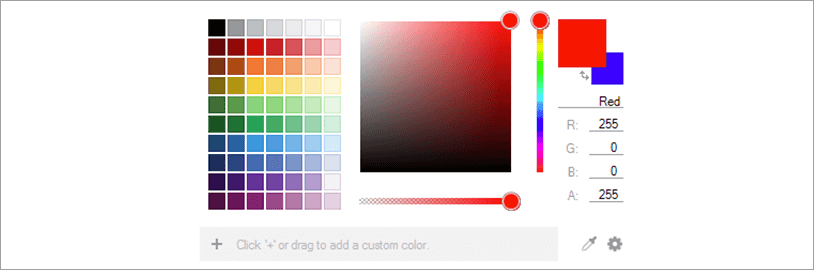
The color selecting experience has been redesigned to provide a modern UI that allows you to have any color you like and gives you full control to customize the palette any way you’d like.
 Learn More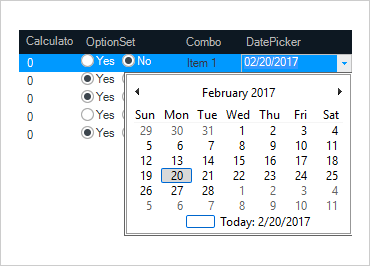
Windows Forms Editors
Control data entry and display in grids, tree views, scheduling controls, or standalone data entry forms with this comprehensive set of editors.
Editors includes the following controls: Calculator Drop Down, Check Editor, Color Picker, Combo Editor, Control Container Editor, Currency Editor, Date Time Editor, Font Name Editor, Formatted Text Editor, Masked Edit, Numeric Editor, Option Set, Text Editor, Time Span Editor, Time Zone Editor, and Track Bar.
Learn More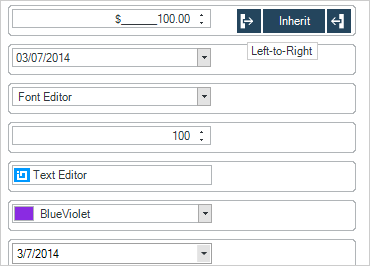
Windows Forms ComboBox Controls
Windows Forms ComboBox lets you make selections easily from any data-bound, multi-column data and is full of features like dynamic resizing, suggest mode, editing, and more.
Learn More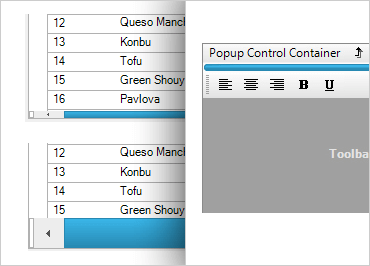
Windows Forms Extras
Add finishing touches to any application with these useful and diverse controls and components like progress bars, rounded buttons, validation, and much more.
Learn More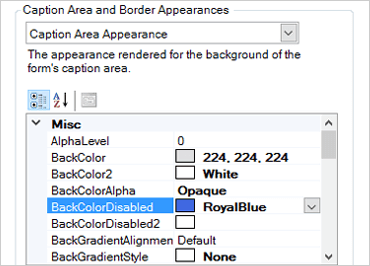
Windows Forms Form Manager
Style Windows Forms easily with WinFormManager™. This one-stop component lets customize hard-to-style areas and apply consistent, end-to-end application styling all over a Form.
Learn More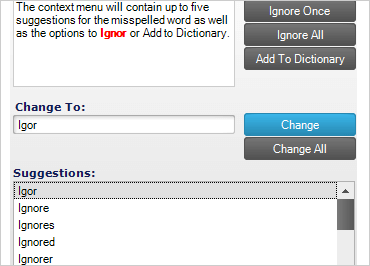
Windows Forms Spell Checker Control
Spell-check textual content with a style-able dialog that features suggested corrections and the ability to attach to any application. Spell Checker includes support for nine languages and their included dictionary files.
Learn More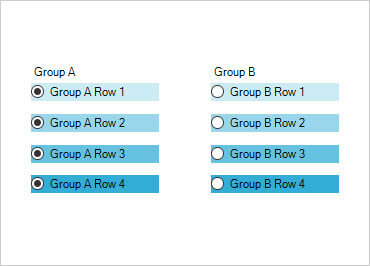
Ultra Radio Button
The Ultra Radio Button is a selectable button linked to other radio buttons in a group. Its defining characteristic is that only one radio button in a group can be selected at one time. When a radio button is selected, all others within the group are automatically deselected. This is useful in scenarios where a choice must be made among mutually exclusive options.
Learn More