ASP.NET - Hierarchical Data Grid
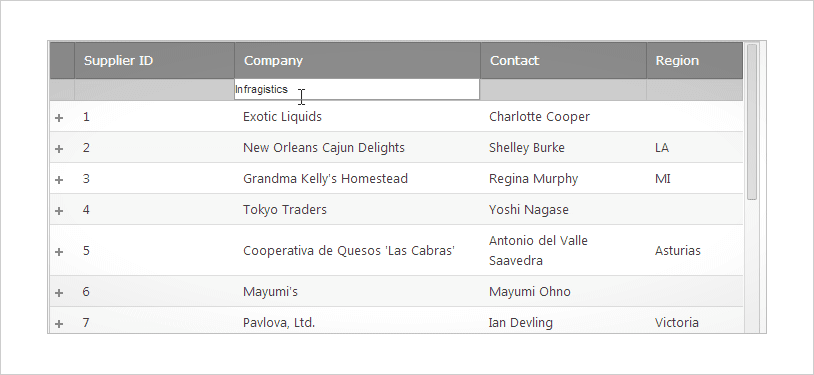
Display multiple parent-child and self-referencing relationships in an expandable, hierarchical data grid that stands as the backbone of your data-centric ASP.NET AJAX applications. Users can drill down as well as add, edit, delete, select, sort, group, and filter rows using their mouse or keyboard.
DOWNLOAD ASP.NET Samples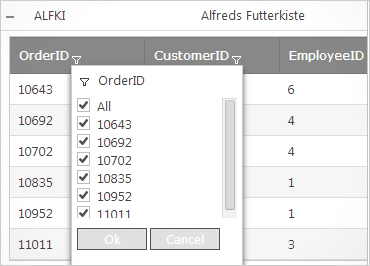
Filtering–Excel® Style
Extend the filtering capabilities of the grid, file by unique values, and set up custom filters for columns with Excel-style Filtering.
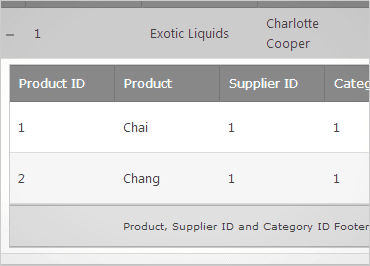
Multi-Column Footers
Customize the footer area and display labels with Multi-Column Footers, a perfect complement to the column summary feature of the Grid.
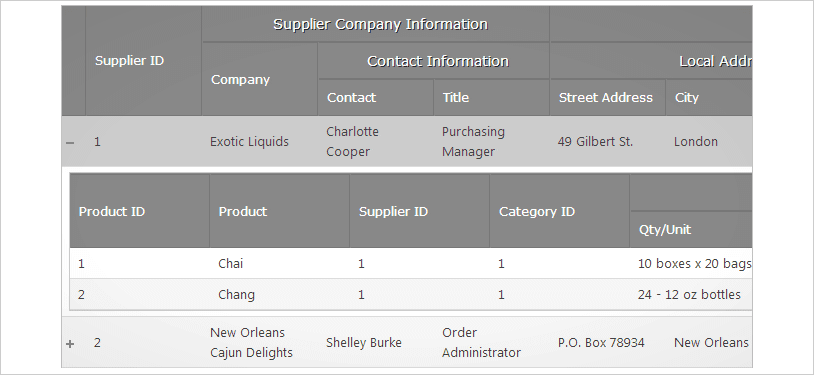
Multi-Column Headers
Organize data columns within categories so end users can easily read through data. Simply create column groups in your WebHierarchicalDatGrid to customize the layout of your information.
Cell Merging with Grouping
The Cell Merging feature includes all the functionality you need for the best cell merging experience on the web. This sample demonstrates the cell-merging capabilities available when grouping data.

Builds on the Successful Data Grid
Take advantage of the features and capabilities (like the pay to play model) of the WebDataGrid.
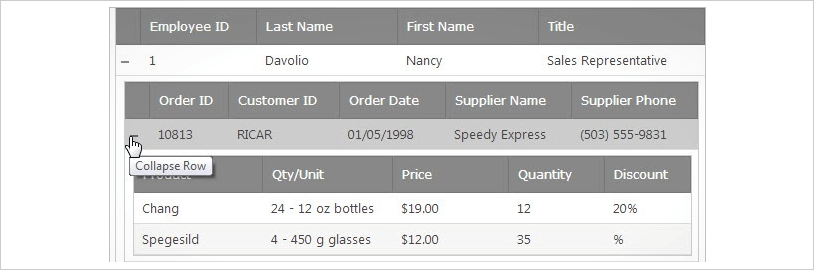
Outlook®-Style Group By
Customize and interactively group (and un-group) rows together by a common value or condition by simply dragging and dropping the column header to the adaptable group-by area.
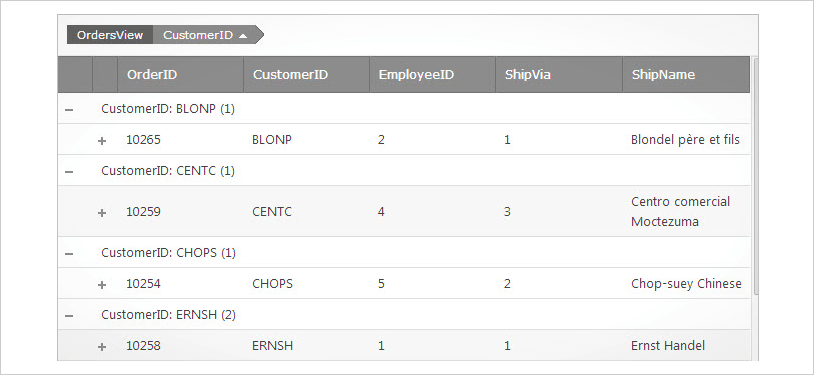
Multiple Child Bands
Why stop at one parent-child data relationship? WebHierarchicalDataGrid allows an unlimited number, related by a data key from one level to the next. You can even display self-referencing data.
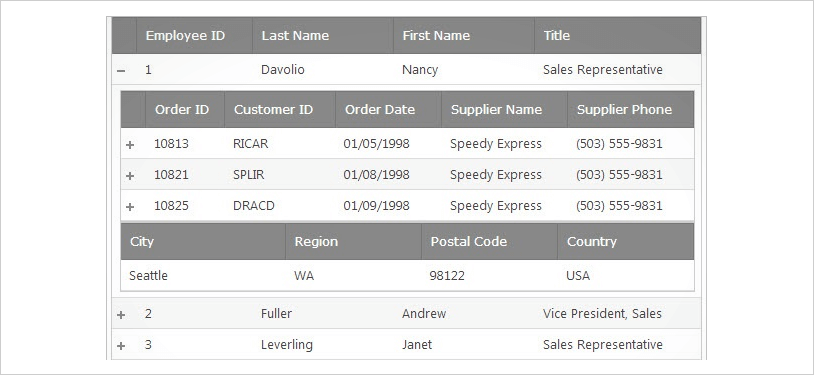
Work with Business Data
Extract the greatest intelligence from the information your application presents. Use single or multiple selection of data records that persists across pages, row filtering, sorting by column values, and column summaries.
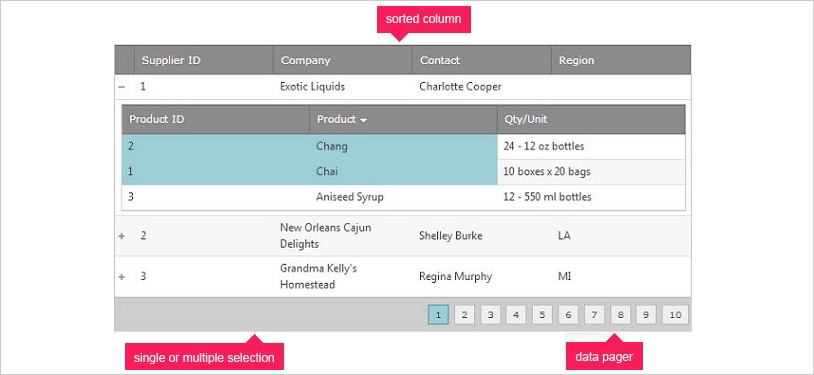
Add, Edit and Delete
Rows can be deleted in a single keypress or added through the UI. Editors can be automatically detected to fit the column's data type.