WPF Data Grid
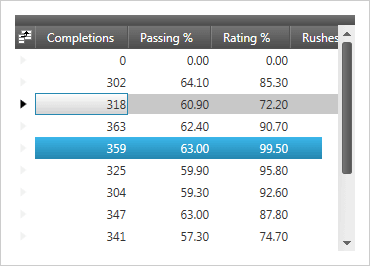
Offers superior versatility and performance when editing, sorting, filtering, grouping, and showing hierarchical data relationships (such as master-detail records) in table format.
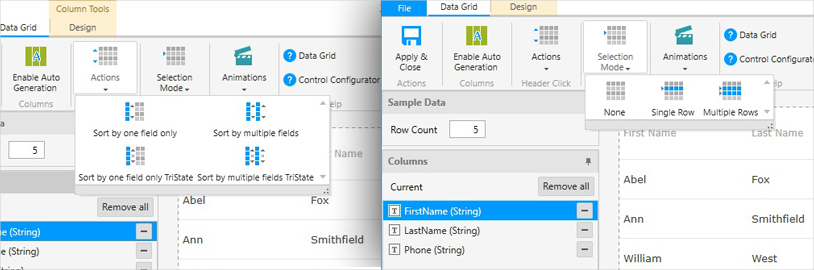
Use the Ultimate UI for WPF Data Grid Configurator to quickly configure the control and bind data directly from XAML—no code required!
DOWNLOAD WPF Samples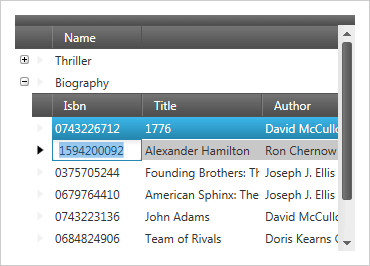
Hierarchical WPF DataGrid
Supports complex data entry scenarios, custom layouts, rich printing and print preview, easy interoperability with Microsoft Excel and Microsoft Word, and an almost unlimited array of look and feel options.
Performance
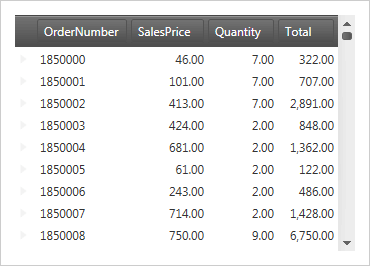
Supports the ability to load and quickly scroll through thousands of records by leveraging cell virtualization and recycling.
Asynchronous Paging Data Source
Give the data grid the ability to asynchronously load data on a separate thread, keeping your UI responsive. You’ll find it open-source and available for download on GitHub. We include source code for the supported data sources and sample applications demonstrating how to use them in your applications. You can even customize the appearance of unloaded data to align with your application theme and styles.
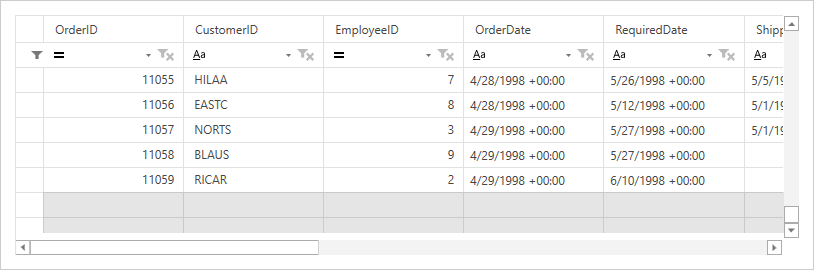
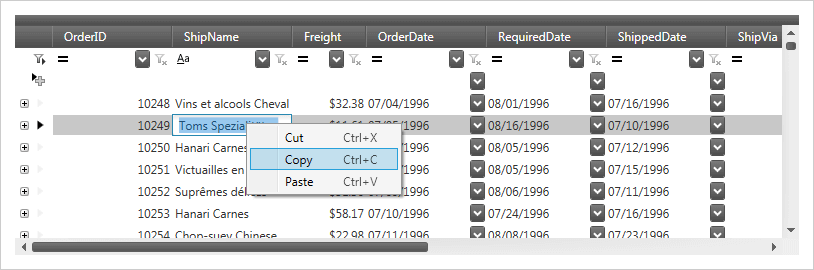
Excel-like Behaviors
Supports Clipboard interactions, undo/redo, sorting, and column resizing modeled after Microsoft® Excel®.
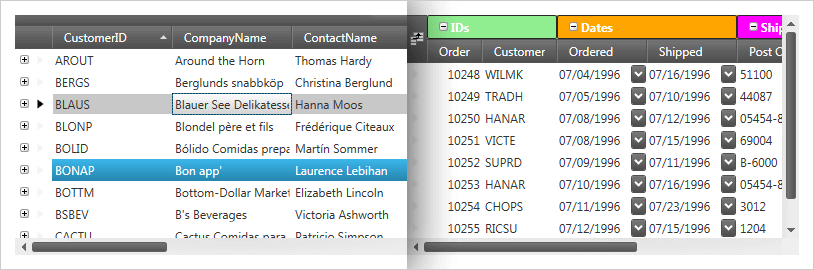
Sorting & Grouping
Sort by single or multiple data columns, and group columns in the same way you would in Microsoft® Outlook®. Group multiple fields together under a single common header with field grouping, and allow your end user to quickly see which fields fall under similar categories by nesting, moving, pinning, or collapsing.
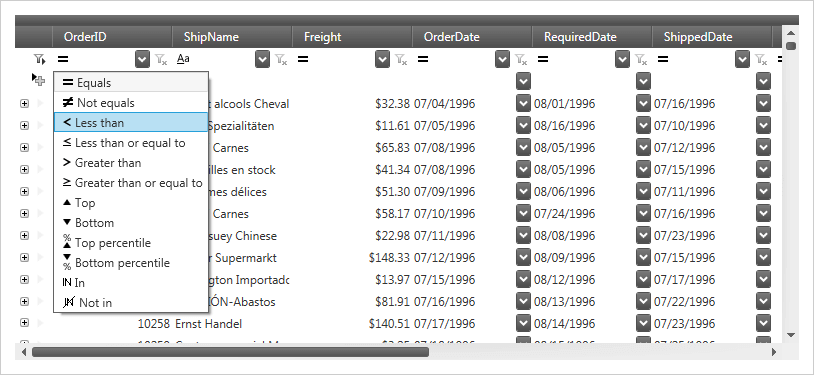
Enhanced Filtering
Supports record filtering as you type, based on a multitude of filter conditions including contains, greater/less than, and regular expressions.
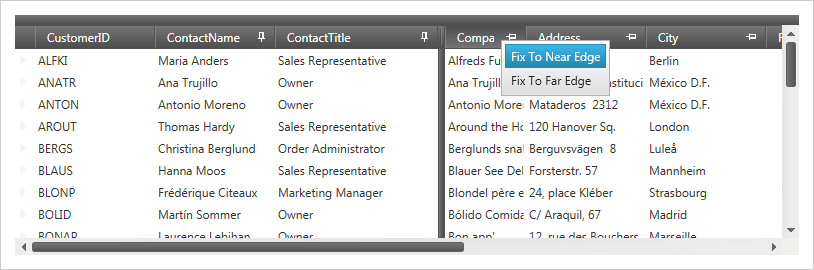
Fixed Headers, Pinned Rows and Moveable Columns
Offers complete control over scrolling through data, pinning and un-pinning data, and swapping data columns.
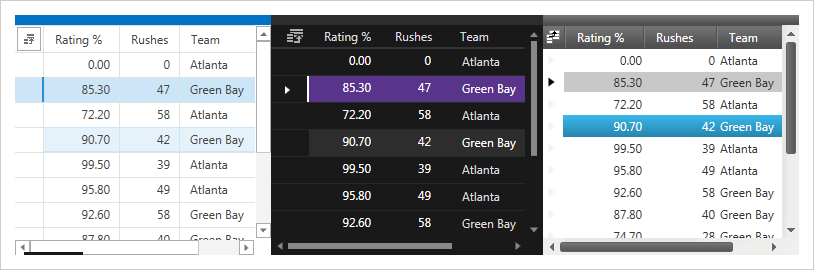
Complete Stylability
Supports built-in themes for quickly changing styles or through support of triggers and Visual State Manager for ultimate control.
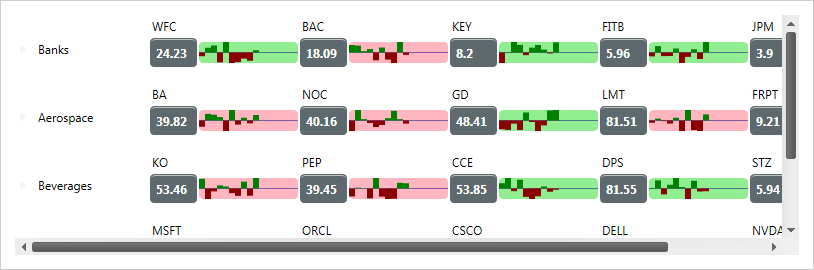
Real-time Highlighting
Highlight records and cells in real-time as they change and track the history of value changes.
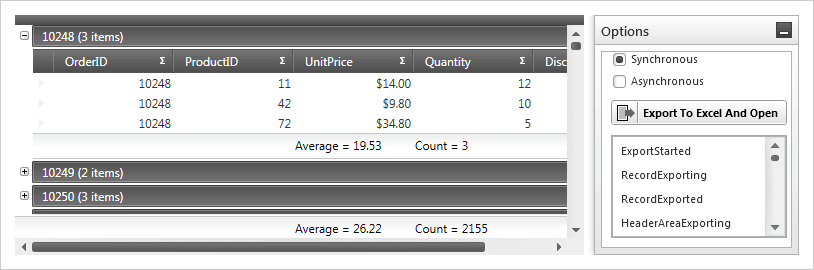
Excel Export
Supports deep integration with exporting to Excel (.xls and .xlsx) without the need for Excel to be installed. In addition, Clipboard access allows direct links to copy to and from an Excel workbook.
Calculation Manager Support
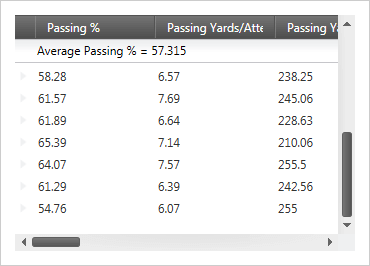
Integrate the Calculation Manager with other XAM controls, including Data Presenter, Data Grid, Data Cards, and the Data Carousel. Various parts of these data presenters can be used as sources and targets of calculations, including fields and summaries.
External Sorting, Grouping, Filtering, and Aggregation
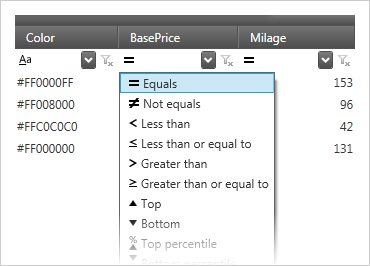
Developers can provide their own logic for the operations of sorting, filtering, grouping, and calculating summaries.
Cell Merging
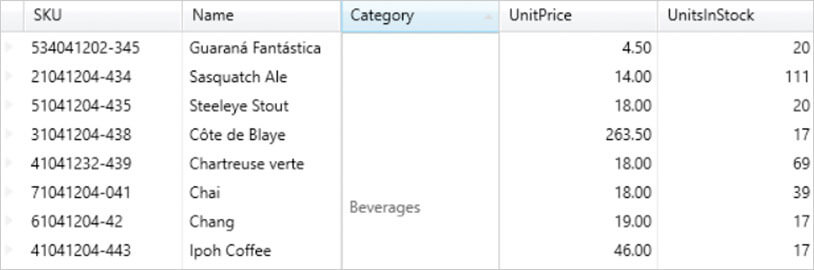
Deliver clearer data and avoid duplication by merging neighboring cells with matching values across different rows.
Data Grid Configurator
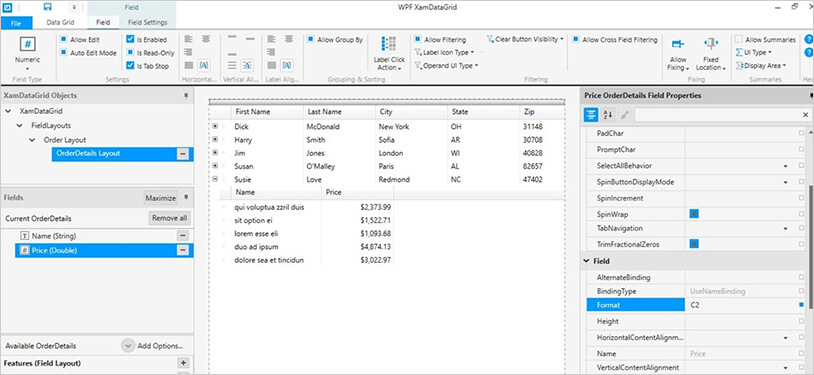
The control configurators shave hours off development time. No need to learn a complex API—just point and click to visually configure the xamDataGrid to get a pixel-perfect render of your design intent.
Launch the Data Grid Configurator with a Single Click
Select your control on the XAML editor and use the suggested actions lightbulb to launch the Data Grid Configurator.
Visually Configure Your Data Grid
The ribbon provides access to the most common features of the xamDataGrid and is the easiest and quickest way to configure your data grid. If you want more control, customize almost every aspect of your data grid by utilizing the property grid, which exposes every option available for the selected xamDataGrid object. All settings you provide are rendered in real time on the design surface for you to validate your design.