WPF Dock Manager
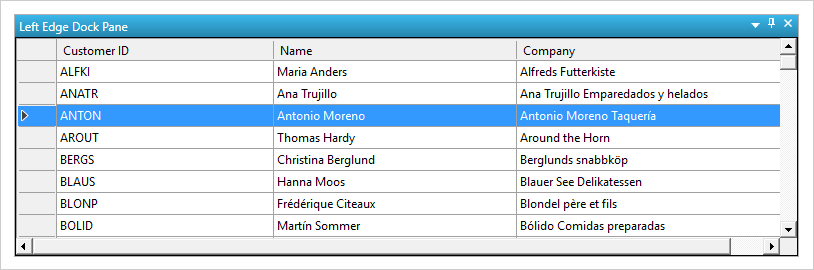
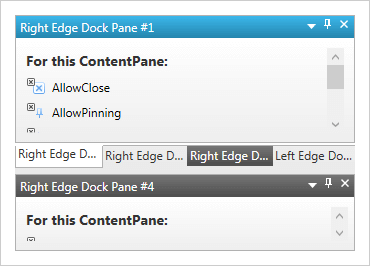
WPF application users can manage their user interface and enable dynamic reconfiguration of their workspace with docking inspired by Visual Studio® 2010.
DOWNLOAD WPF SamplesVisual Studio Dock Control
Accurately recreate the Visual Studio docking experience, including layout persistence, floating windows, and HWind Support.
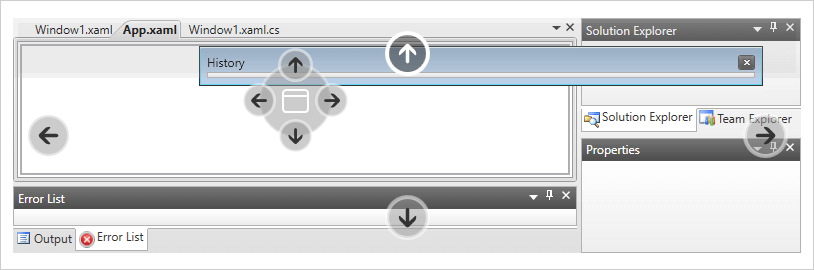
Customizable Docking Indicators
Supports visual indicators that demonstrate where a docked item will snap into place.
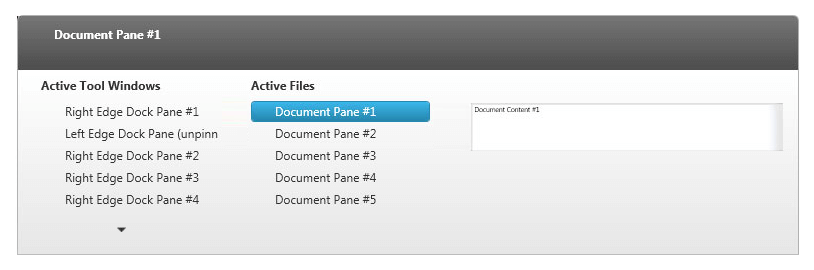
Content Pane Navigator
Navigation screens that navigate quickly, with previews between different content panes, are supported.
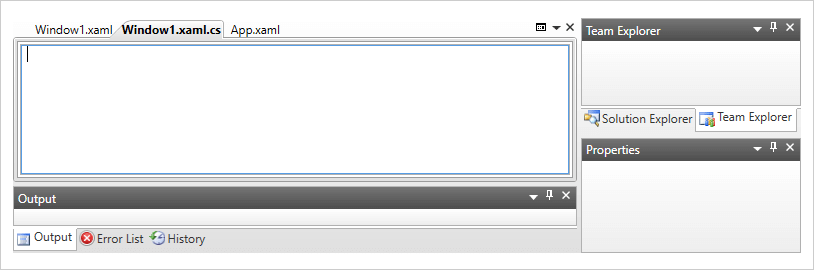
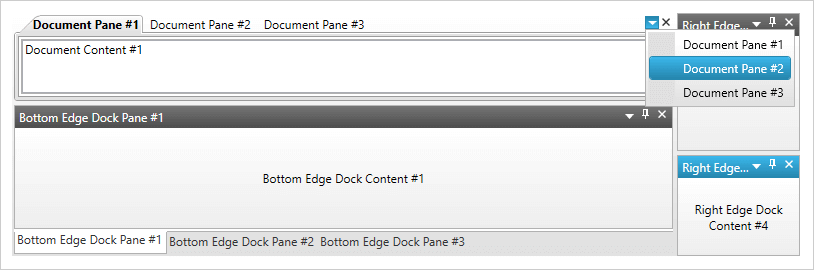
Tabbed Documents
Create a tabbed area that mimics a tabbed MDI experience.
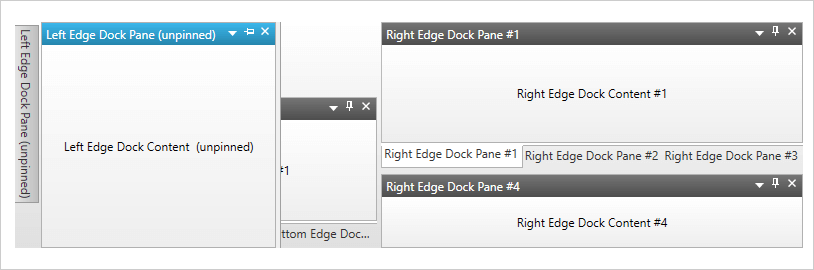
Hidden/Animated Panes
Hidden panes stay out of the way until users mouse over them, then they animate into view on: mouse over, click, activation, or by command where users can pin them to keep them visible.
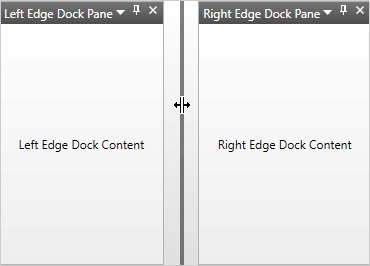
Resize Content with Splitters
Docked content panes can easily be resized by dragging one edge to accommodate the information being presented.

Layout Persistence
Save a layout to XML and then load it back into the docking control to maintain the preferred layout when the application restarts.
HWnd Support
Supports hosting HWnds: legacy Windows Forms controls can be hosted in this WPF docking experience.