

Windows Forms ComboBox Controls
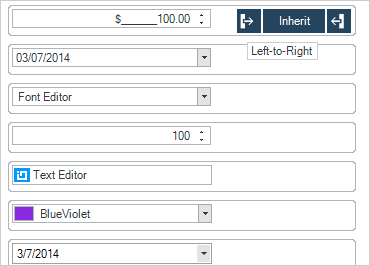
Windows Forms ComboBox lets you make selections easily from any data-bound, multi-column data and is full of features like dynamic resizing, suggest mode, editing, and more.
Download Windows Forms Samples
Touch Experience
Build more modern applications for tablets and other touch-enabled devices with the touch-supported Combo control. Touch metrics support allows you to resize the control, making elements larger for better interactivity. The drop down in the Combo features touch-enabled vertical scrolling via panning gesture support.
Multi-Column Drop Down
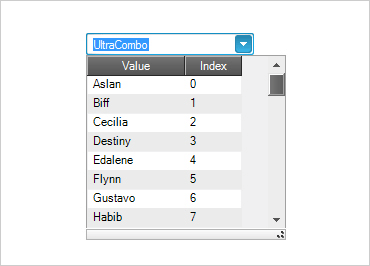
Use the Combo as a drop down for a single column list of items, or use a multi column drop down combo.
Data Entry
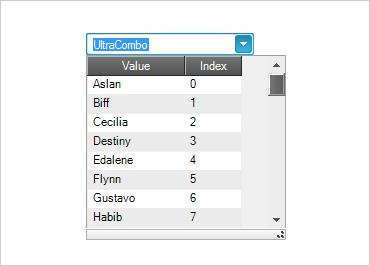
Facilitate auto-editing (limiting user selections to a list), and auto-completion modes.

Suggest Mode
Filter user choices down to a manageable few with web search scenario suggestion behavior popularized by Google®.
Data Binding
Complete data binding support to nearly any Windows Forms data storage model with the Combo's DataSource and DataMember properties.