

Windows Forms - Grid
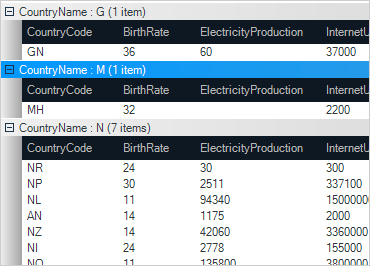
Surpass user expectations with this data-driven hierarchical data grid control for Windows Forms. A rich feature set provides Microsoft® Excel®-like functionality that will accentuate your data-centric desktop applications.
Download Windows Forms SamplesTouch Experience
Build more modern applications for tablets and other touch-enabled devices with the touch-supported grid control. Touch metrics support allows you to resize the control, making elements larger for better interactivity. The Grid also features panning gesture support such as vertical, fast, slow, and multi-direction panning and flicking. Multi-gesture support like tap, double tap, tap & drag, and tap & hold is also featured.
High Speed Data Entry
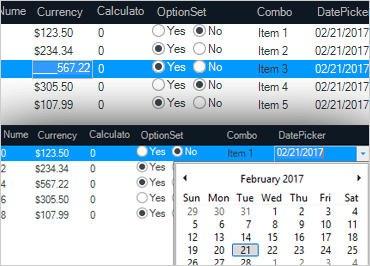
Use templates with custom editors (that match the column data type) to enter data within cells. Allow for adding new rows and deleting within the grid as well. Validations can be performed in real-time within the grid cell as the user enters data within the grid.
Custom Layouts
Unlimited display possibilities are available using CardView or Row Layout designers, split row, and column regions.
Microsoft Excel Operations
Bring Microsoft® Excel®-type spreadsheet capabilities to your applications with the UltraGrid control. Supported features include export to Excel, copy and paste to and from Excel, Excel-like formulas with WinCalcManager, freeze columns and rows, built-in Excel-like column filtering dialog, cell merging, conditional formatting, single and multi-column sorting, column sizing, editors in column headers, and much more. The Excel engine supports more than 300 functions.
Virtual Data
Maximize performance, and display an unlimited number of rows and columns, and load grid data on demand using WinDataSource.