

Windows Forms Toolbars
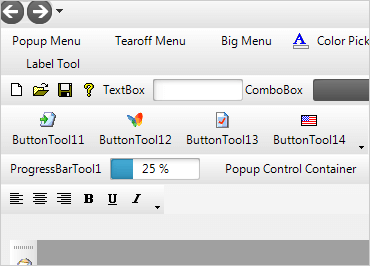
With ribbons, toolbars, task panes, tool strips, cascading menus and more, you will have a tool for every situation. Innovations such as the Office® 2010 application menu ("Backstage" view) and the Windows® 7 scenic ribbon are included.
Download Windows Forms Samples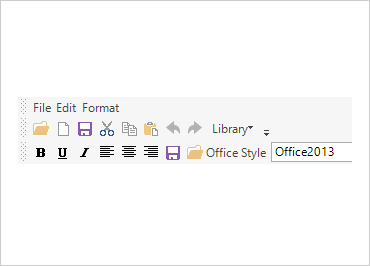
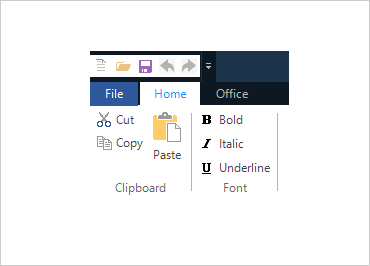
Office 2013 Ribbon
The Office 2013 Ribbon is similar to previous versions of the Ribbon, but has a new color scheme, different styles, and other features.
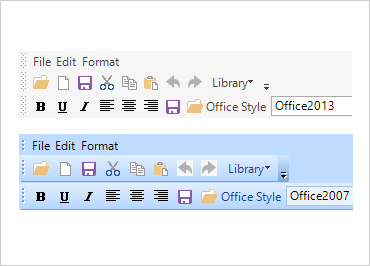
Ribbon UI
Users enjoy a unique interface with the newest scenic ribbons of Office 2010 and Windows 7, or the fluent Office 2007 ribbon. Organizational features like tabs, groups, galleries, contextual tabs, quick access toolbar, and application menu are all included.
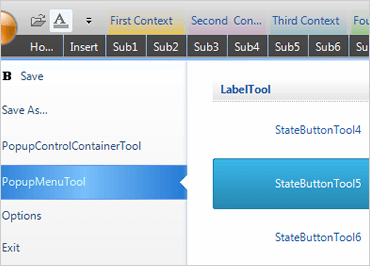
Application Menu 2010 (Backstage)
Create rich, easy-to-use Windows Forms applications that take advantage of this breakthrough in user experience design from Office 2010.
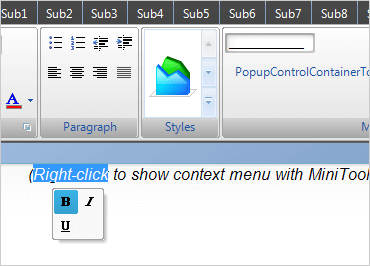
Office 2007 MiniToolbar
This new contextual toolbar floats next to selected text and offers formatting options for the selection.
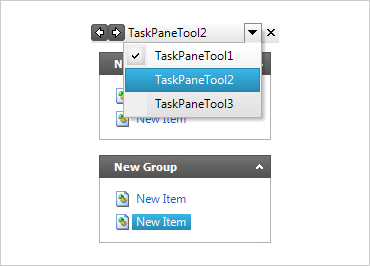
TaskPane
Configure the .NET toolbar to have the look and feel of the Office Task Pane and to appear as a task list in your application.
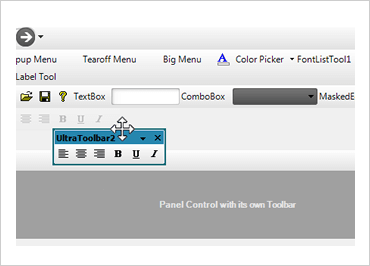
Docking
Dock toolbars to any side of the screen, or create floating toolbars.
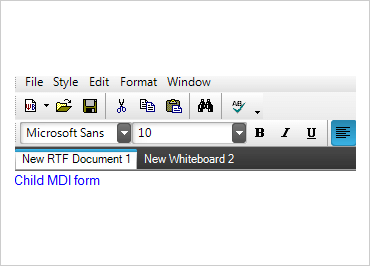
Merge MDI Toolbars and Tools
WinToolbars will automatically merge MDI child form toolbars and tools. All the child click events are encapsulated in child forms.
Load and Save Layout
The toolbar structure can be saved and reloaded at design time or run time.