Grid Advanced Filter
Use the Grid Advanced Filter to specify advanced filtering criteria spanning over multiple Grid columns via a dedicated dialog shown over the Grid. The Grid Advanced Filter is visually identical to Ignite UI for Angular Grid Advanced Filtering Feature
Grid Advanced Filter Demo
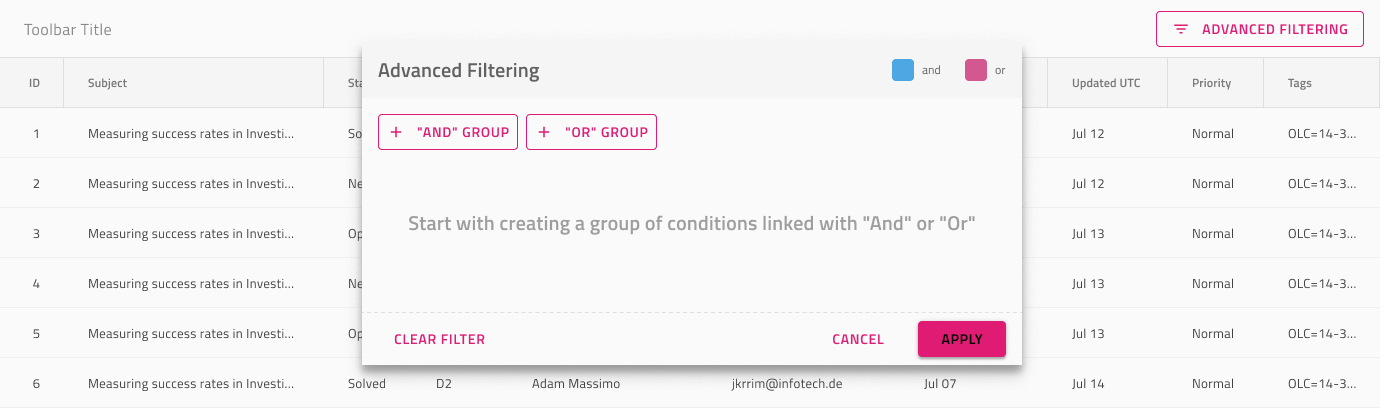
Advanced Filter Feature
The Grid Advanced Filtering component under Grid Features has one size and represents an overlay shown over the Grid.

Filter Expression State
The Advanced Filter feature comes with an Empty Filter Expression by default that can be changed to Applied Filter if necessary. In Figma, to change the default empty state you need to find the Filter Expression State component in the layers panel and switch the Type property of the component from Empty Filter to Applied Filter. Once this is set up, you may customize it further by specifying desired filtering criteria.
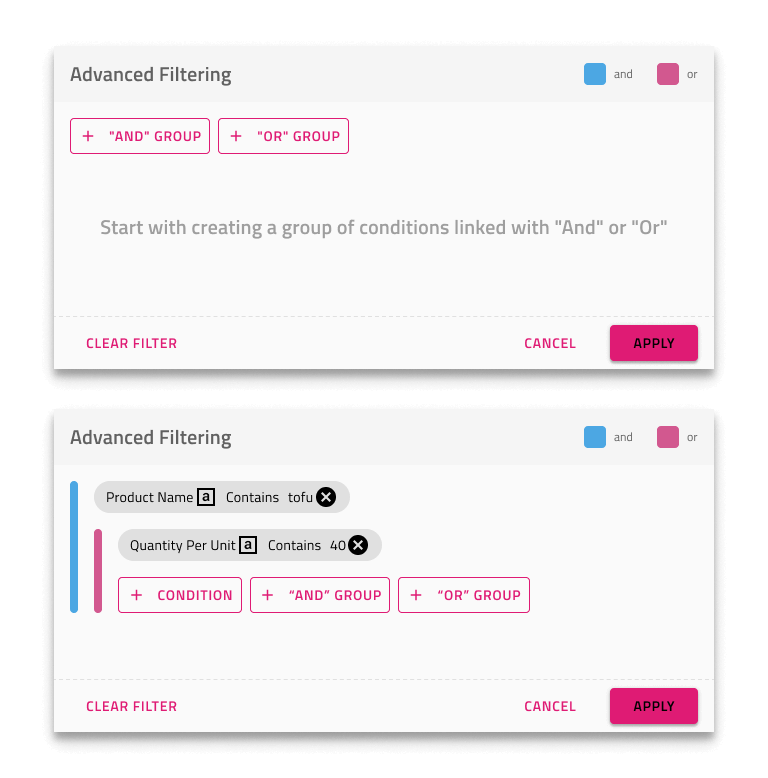
Toolbar
The Grid Advanced Filter is achieved by adding a Toolbar with an Advanced Filter action that enables the feature for the whole grid.
Additional Resources
Related topics:
Our community is active and always welcoming to new ideas.
 GitHub