 Angular
 React
React Web Components
 Blazor
The Fastest Data Grid
Render, scroll, sort and edit 100,000+ rows at a steady 60 FPS, and millions of rows through enterprise virtualization. Performance stops being a feature you have to negotiate away.


24x5 support from the team that builds the controls.
Contact Us
Create agent-ready, AI-powered applications using enterprise-grade UI components for Angular, React, Blazor, Web Components, and more.
Select a framework to get started:

Trusted by industry leaders


Why Ignite UI
We don’t compete on component count. We compete on the components enterprise applications live or die on, and on how well your team, and your AI, can build with them.
Render, scroll, sort and edit 100,000+ rows at a steady 60 FPS, and millions of rows through enterprise virtualization. Performance stops being a feature you have to negotiate away.
Your AI. Your IDE. Your standards. Our APIs. MCP servers and Agent Skills feed agents live, versioned component APIs and your own design tokens — so generated code compiles and matches your design system.
Dock Manager, pivot grids, spreadsheets, query builders and financial charting. Each one is a multi-quarter build if your team owned it, and a multi-quarter maintenance burden after that. We ship them production-ready, so that’s budget and roadmap time back for the app itself.
Live samples
Each sample runs the real component with the real API. Edit it in the browser, then move it into your project unchanged.

Grids
A ticking price grid with conditional formatting and pinned columns.
Learn more in docs
Grids
Expand any row into a detail template with its own layout, charts and fields.
Learn more in docs
Grids
The full-feature virtualized grid: sorting, grouping, editing and Excel export.
Learn more in docs
Grids
Hierarchical rows from a flat or nested source, with summaries at every level.
Learn more in docs
Grids
Repeated values collapse into one cell, always or only when the column is sorted.
Learn more in docs
Grids
Parent rows expanding into independently configured child grids.
Learn more in docs
Charts
Continuous series over a category or time axis, with markers and annotations.
Learn more in docs
Charts
OHLC and candlestick price data with volume panes and technical indicators.
Learn more in docs
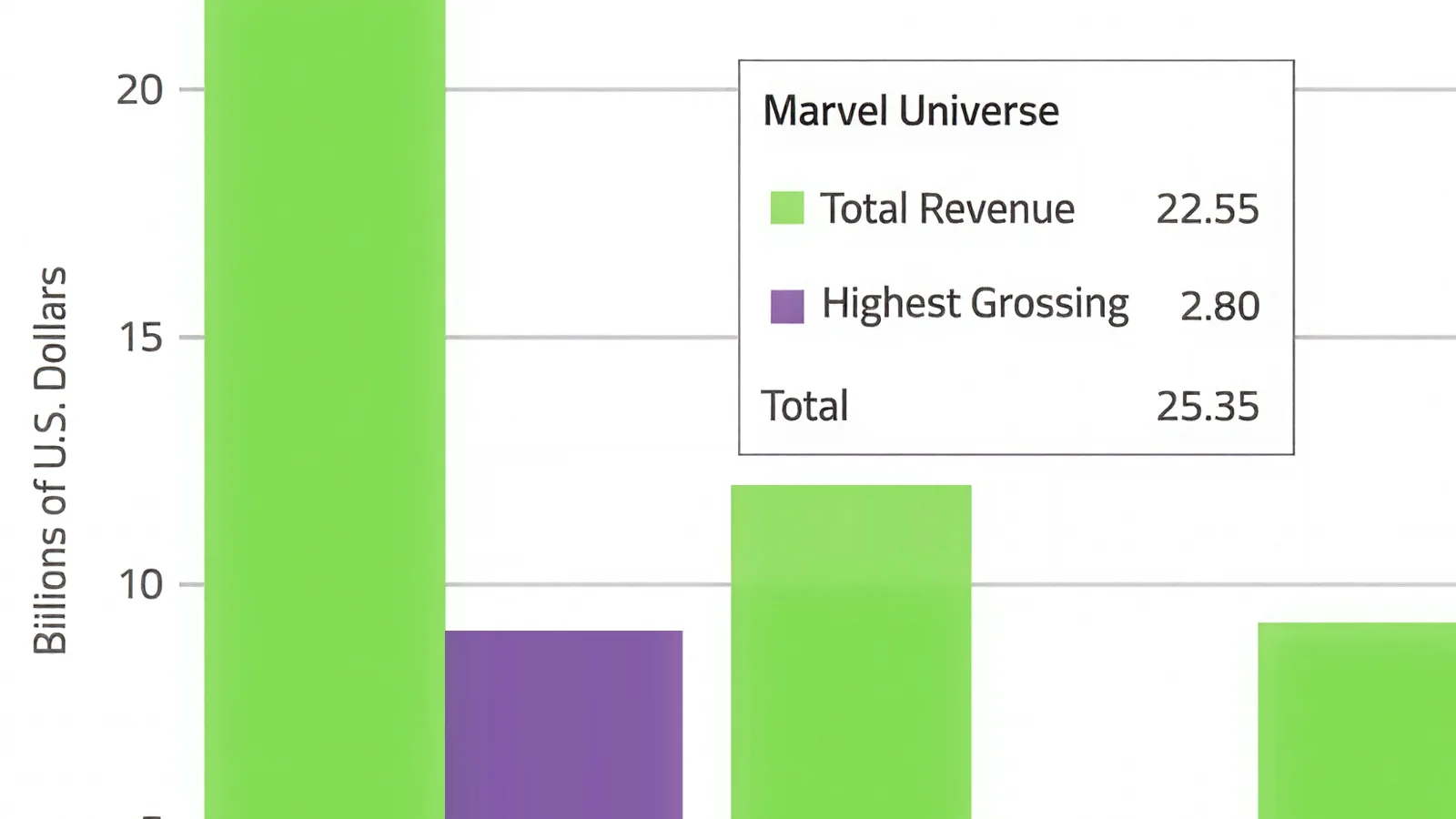
Charts
Vertical categories with grouped, stacked and 100% stacked modes.
Learn more in docs
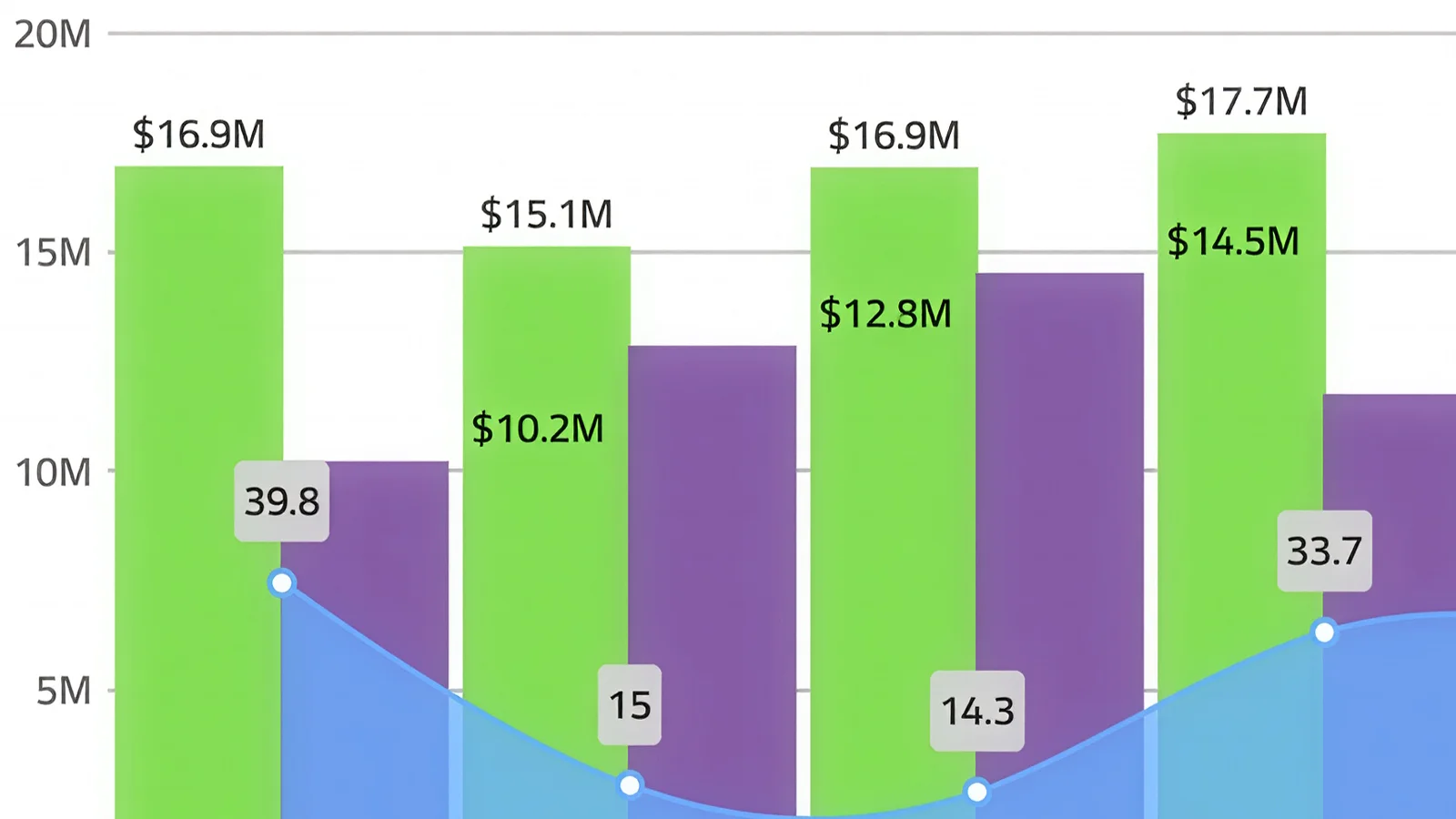
Charts
Several series types on shared axes, each with its own scale.
Learn more in docs
Dock Manager
Floating, docked and pinned panes with layout state you can persist.
Learn more in docs
Open Source
The open source grid: sorting, filtering, paging and templates, free to ship.
Learn more in docs
Open Source
Virtualized item rows with headers, avatars, actions and pan gestures.
Learn more in docs
Open Source
Dashboard tiles users can drag, resize and maximize, with layout state you can persist.
Learn more in docs
Open Source
Nested nodes with lazy loading, checkbox selection and keyboard traversal.
Learn more in docs
Open Source
Filterable single or multi-select over local and remote item sources.
Learn more in docs
Open Source
Paged content with indicators, autoplay and gesture navigation.
Learn more in docsAI coding assistants are only as good as the context they have. Ignite UI's MCP toolchain gives GitHub Copilot, Cursor, Claude Code, and other AI agents live, accurate access to your component APIs, eliminating hallucinated props, wrong imports, and broken scaffolds.
Give your AI the power to scaffold, configure, and extend your Ignite UI project from the command line. The Ignite UI CLI MCP Server turns natural language prompts into CLI commands, letting agents create components, modules, and project structures that follow enterprise architecture conventions.
Purpose-built instructions that give AI coding assistants the exact component knowledge they need: correct props, import paths, and usage patterns, so agents generate accurate Ignite UI code on the first pass. No prompt engineering required. Works with GitHub Copilot, Cursor, Claude Code, JetBrains AI, and Windsurf out of the box.
Go from a natural language prompt to a production-ready component scaffold in seconds. Ignite UI scaffolding respects your project structure, framework conventions, and design system, so what AI generates is what your team ships, not a starting point for an hour of cleanup.
Ask in plain language. The CLI and MCP server resolve it against live, versioned component APIs, and what lands in your project compiles and matches your design system.
You describe it
In plain language
“Add a claims review screen — filterable table, monthly trend, and Excel export.”igx-gridigx-category-chartexcel-export
Works from Copilot, Cursor, Claude Code, JetBrains AI or Windsurf — no special syntax.
MCP grounds it
Against live component APIs
v20.14 filesWCAG AA0 fixesIt lands in your project
Themed, accessible, compiling
Open claims
3,418
4.1%
Value
$8.6M
2.4%
Resolved
97.2%
1.2 pts
| Claimant | Value | Status |
|---|---|---|
| Halvorsen Group | $18,240 | Resolved |
| Redwood Mutual | $9,115 | In review |
Refine the prompt and the same loop runs again — only the affected parts change.
Open source
50+ controls ship open source, so teams can adopt Ignite UI without a procurement cycle and upgrade when the application needs the grid, charts and Dock Manager.
50+ production-ready components across Angular, React, Web Components and Blazor. Install from npm or NuGet with no procurement cycle.
Everything in open source, plus the controls enterprise applications are built on and the engineers who maintain them.
$1,399 per developer, per year
See what is includedUpgrading is a package swap, not a rewrite — same APIs, same theming, same design tokens.
What Developers Say

Came across Ignite UI when we needed a powerful data grid for one of our projects. Ignite UI was the best solution for virtualization, paging, and column-level operations. Their support is also top notch.
The framework support is excellent. I can use the same high-performance data grids and charts in Angular, React, Web Components or Blazor. I particularly liked the fast Angular data grid.
The grid handles huge datasets with smooth scrolling and includes features like filtering, grouping, inline editing, and Excel export right out of the box.
With Ignite UI for Angular, the grid performance was fast and included improved row selection with features such as multi-click, use of tabs that made data entry easier, and more friendly navigation.
Katy FaulknerLead UI Developer, Tier One UK Investment Bank
Case Study
How England’s most prominent investment bank rebuilt a strategic pricing application on Ignite UI’s Angular components.
Read the case studyPricing
Every subscription includes standard support and every release in its term, with no runtime fees. Multi-year terms cost less per year.
$1,189/ year$1,399
3 year term · per developer, royalty-free subscription
Get a guaranteed response within one business day, faster access to Infragistics engineers and in-depth troubleshooting.
$2,039/ year$2,399
3 year term · per developer, royalty-free subscription
Get a guaranteed response within one business day, faster access to Infragistics engineers and in-depth troubleshooting.
$1,359/ year$1,599
3 year term · per developer, royalty-free subscription
Get a guaranteed response within one business day, faster access to Infragistics engineers and in-depth troubleshooting.
| Products included | Ignite UI | Best valueInfragistics Ultimate | Infragistics Professional |
|---|---|---|---|
| App Builder | |||
| Angular | |||
| ASP.NET Core | |||
| ASP.NET MVC | |||
| jQuery | |||
| Blazor | |||
| React | |||
| Web Components | |||
| Ultimate UI for ASP.NET Web Forms | |||
| Ultimate UI for Windows Forms | |||
| Ultimate UI for WPF |
At 1,000,000 rows a single-column string sort completes in 0.42s and a two-column grouping on grid load in 0.88s, measured with the Performance API in Angular dev mode. Excel-style filter apply is 90ms, in the same range as quick and advanced filtering. Production builds are faster.
Yes. The data pipeline lives in the Angular base, is packaged as a Web Component through Angular Elements, and React and Blazor consume it through thin wrappers. Sorting, grouping and filtering are pure data operations, so every improvement propagates to all four frameworks unchanged.
A CLI MCP server, a Theming MCP server, Agent Skills and AI-powered scaffolding. Your agent queries real component APIs, design tokens and theming rules instead of guessing, which produces enterprise-grade UI in fewer tokens. All of it is free, with no AI tier or usage-based pricing.
50+ production-ready open source components ship across Angular, React, Web Components and Blazor, so teams can adopt Ignite UI without a procurement cycle and upgrade to the licensed suite when they need the grid, charts and Dock Manager.
Ignite UI is a per-developer, royalty-free annual subscription at $1,399, including a year of standard support and every release in that window. Multi-year discounts are available.
Every component is implemented against current accessibility guidelines and tested with OS and browser screen readers. Internationalization ships per framework, with English, Japanese, Korean and Spanish out of the box.
Resources
Every component carries the same set of resources, so you are never more than two clicks from working code.
Install the package for your framework and build against the full suite: 300+ components, 120+ charts, Spreadsheet, Dock Manager, the MCP toolchain and 24x5 support.
Select a framework to get started:


