Radio Group
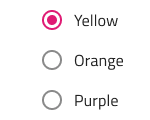
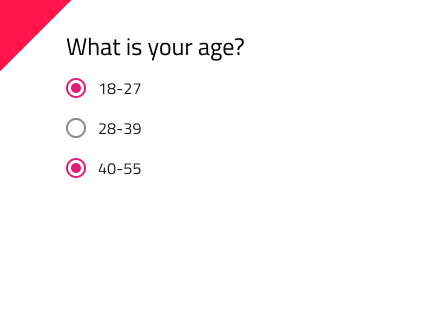
Use the Radio Group Component to allow exclusive selection for one item in a group. The items in the group are left aligned and come one after another laid out in a single column. The Radio Group is visually identical to the Ignite UI for Angular Radio Button Component
Radio Group Demo
Theme
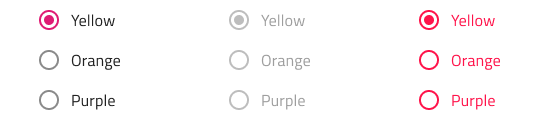
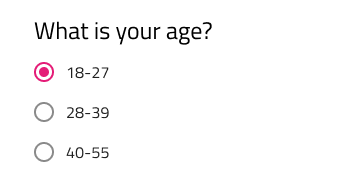
The Radio Group can be used styled in dark and light variants to assure good readability and contrast for both lighter and darker backgrounds. Make sure that all Radios are set to the same theme.

State
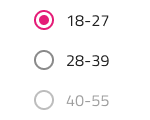
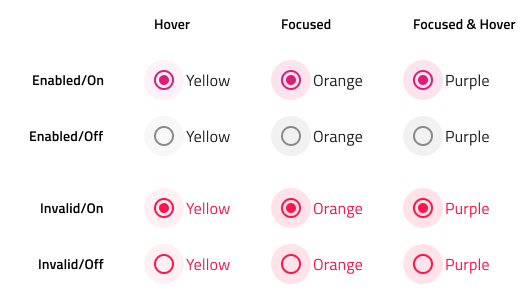
Each Radio in the group provides on and off selection states with additional variants for a disabled interaction state.

Styling
The Radio Group comes with styling flexibility through the various overrides for each item's label style and color.
Usage
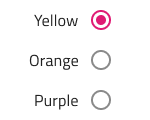
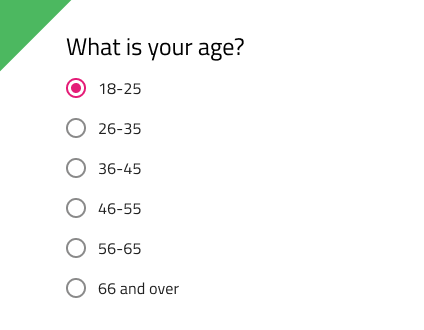
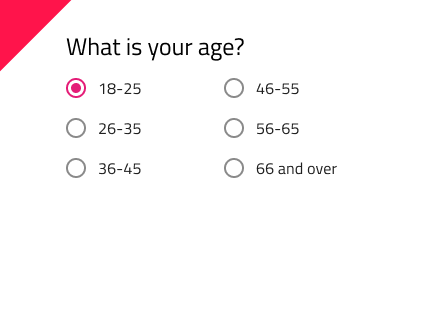
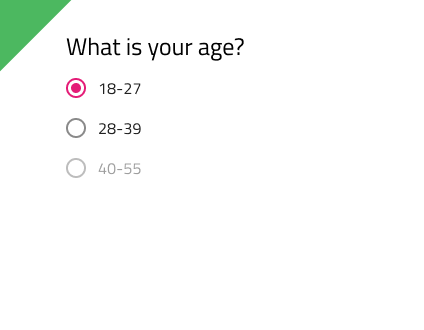
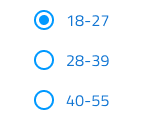
When extending a Radio Group with additional items, make sure that they are all left-aligned consistently with one under another in a single column. Avoid layout in multiple columns, as well as situations with more the one Radio being on at a time.
| Do | Don't |
|---|---|
![]() |
![]() |
![]() |
![]() |
Code generation
This section describes some important overrides and how they affect code generation.
Warning
Triggering Detach from Symbol on an instance of the Radio Group will reduce the accuracy of code generation for the Radio Group. This is most notable for the layout of the individual Radio Buttons and one will be able to notice the difference in the vertical margins between them, when comparing his Sketch drawing and the generated layout in Angular. Use the Detach from Symbol only if it is absolutely necessary to create more items than provided, otherwise just hide them by setting them to none, and make sure you keep the 🚫radio-group, 🕹️DataProperty and 🕹️DataSource layers intact. Once the code is generated, the margins should be adjusted in the CSS to match the design.
Data Property
When supplied, the 🕹️DataProperty value is used to set up a two-way data binding using Angular Reactive Forms to the radio button checked property. The 🕹️DataProperty is optional. The 🕹️DataProperty is the name of the property on the data object specified by the model object name provided in the generation request.
When a model object name and 🕹️DataProperty are provided, the TypeScript ngOnInit method with be populated with form builder code to create the Reactive Forms form. The 🕹️DataProperty will be used to populate the formControlName property on the radio button control.
Data Source Property
When supplied, the 🕹️DataSource value is used to set up binding to a data source object for the Radio Group. By Default it is setup to bind to a data source that has value and name properties to assign to the value and label of the Radio Group buttons. The 🕹️DataSource property is optional.
When the 🕹️DataSource is set, styles are gathered from the First Radio button in the group. Other Radio Button styles are ignored. The Text property is also ignored when the 🕹️DataSource is used.
Radio Button
Determines the settings for the Radio Buttons in the group. If the 🕹️DataSource is set and the First Radio Button is None, the Radio group will not render. If a Radio Button is None, that Radio Button will not render. If the Color on a Radio Button is None, the Radio Button will not render. If all three Radio Buttons are None, the Radio Group will not render.
Text
When the 🕹️DataSource is set the Text property is ignored. When the Text is supplied, it will be used for the value and label of the Radio Button.
Additional Resources
Related topics:
Our community is active and always welcoming to new ideas.