Collaborating with Workspaces
Use group workspaces to collaborate with your teammates on the same prototypes and usability studies. Members can publish and replace any design in the workspace. And if a member leaves, the rest will still have access to what's in the workspace.
Creating a Group Workspace
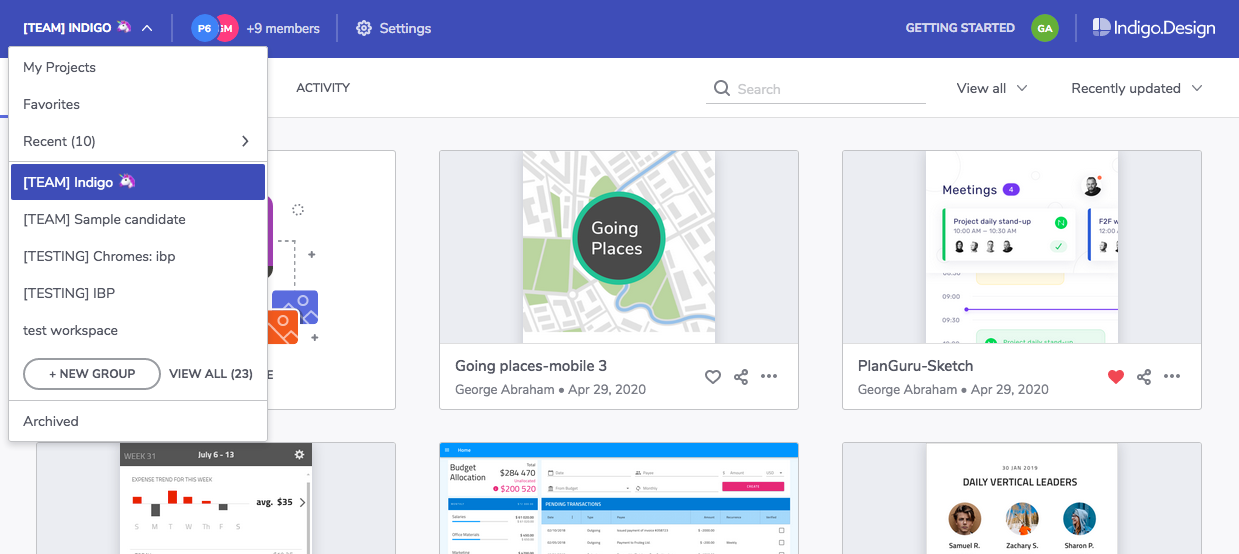
Expand the workspaces dropdown and click the + new group option.
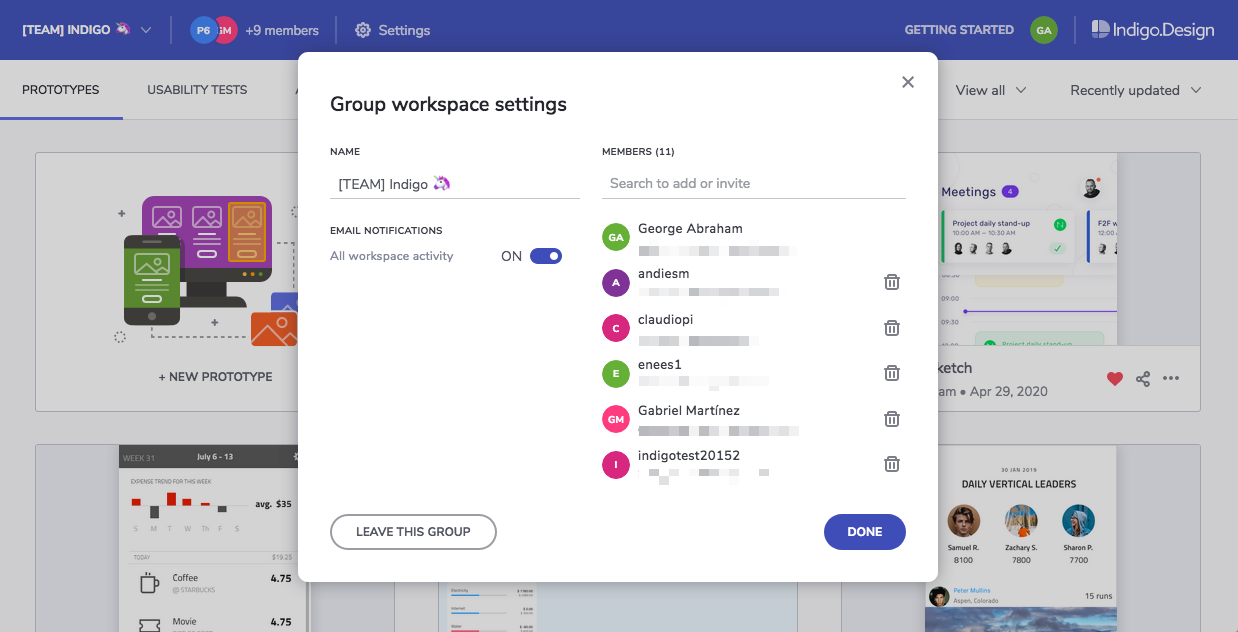
Type a name for your workspace.
Add members by typing their email address. If you already share workspaces with them, they'll show up on a list. You can select them from the list and they'll become a member immediately. Otherwise, they'll get an invite to join the workspace via email.
Accessing a Workspace
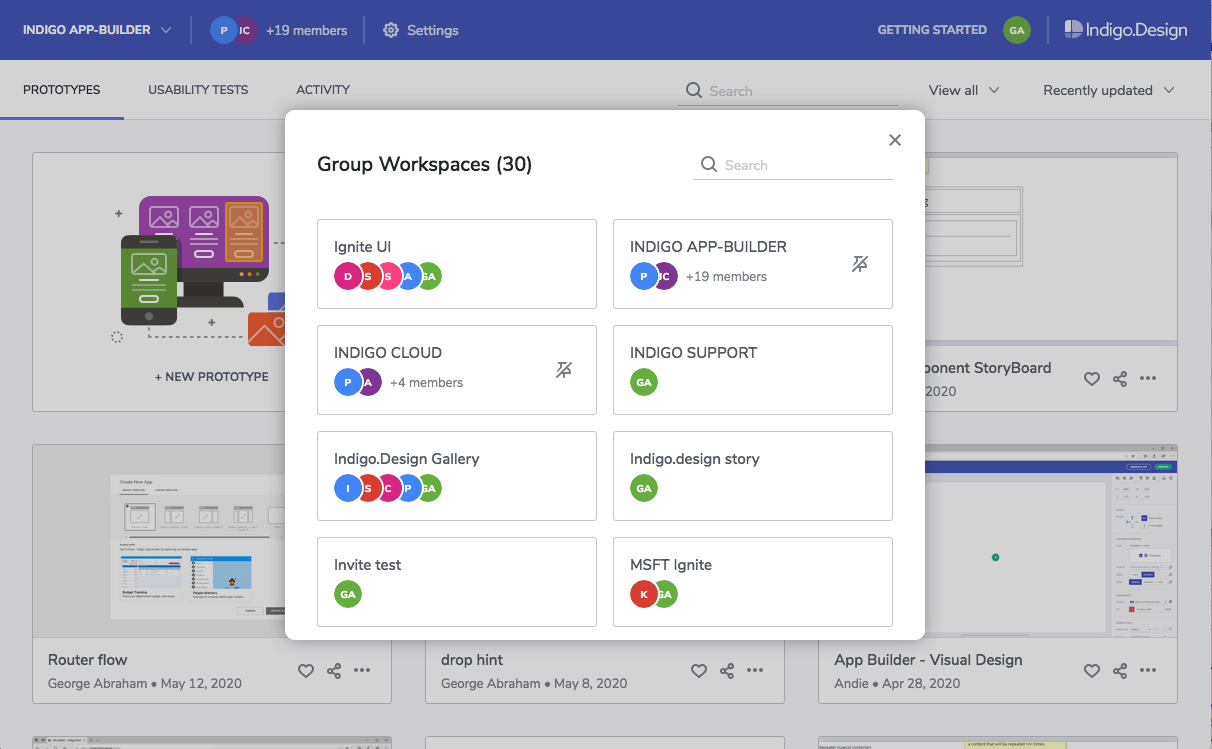
Expand the workspaces dropdown and select the name of the workspace you want to work on. You'll see all the prototypes and usability tests belonging to that workspace.
Publishing to a Group Workspace
Once you select a workspace, any prototypes you create and publish will belong to that workspace.
Note
You can choose any prototype and use the Copy to workspace action to make a copy of that prototype in a different workspace.
Managing Group Workspaces
Select the workspace from the workspaces dropdown and then click on settings in the main toolbar area.

| Option | Description |
|---|---|
| Edit the workspace name | |
| Enable/disable email notifications | Start or stop receiving emails with workspace activity information. |
| Add/invite members | Select members from the list to add them directly, or type an email to send an invite. |
| Remove members | The user you remove won't be able to access the workspace or publish designs to it. |
| Leave the workspace | You won't be able to access the workspace or publish designs to it. |
| Archive the workspace | No members can publish to this workspace. Any member can restore the workspace. |
Configuring Notifications
Here's a list of the notifications you can receive when you're a member of a workspace and how to configure them.
| When do I get it? | How do I configure it? |
|---|---|
| You're invited to a workspace | It's sent automatically. |
| You're added to a workspace | It's sent automatically. |
| Someone publishes to the workspace | Enable workspace notifications. |
| Someone replaces a prototype | Enable workspace notifications. |
| Someone deletes a prototype | Enable workspace notifications. |
| Someone archives the workspace | Enable workspace notifications. |
| There are new comments on a workspace prototype | Subscribe to notifications for the prototype. |
| There's a new participant in a workspace usability study | Subscribe to notifications for the usability study. |
Learn More
 GitHub