

Infragistics Blog - #web components
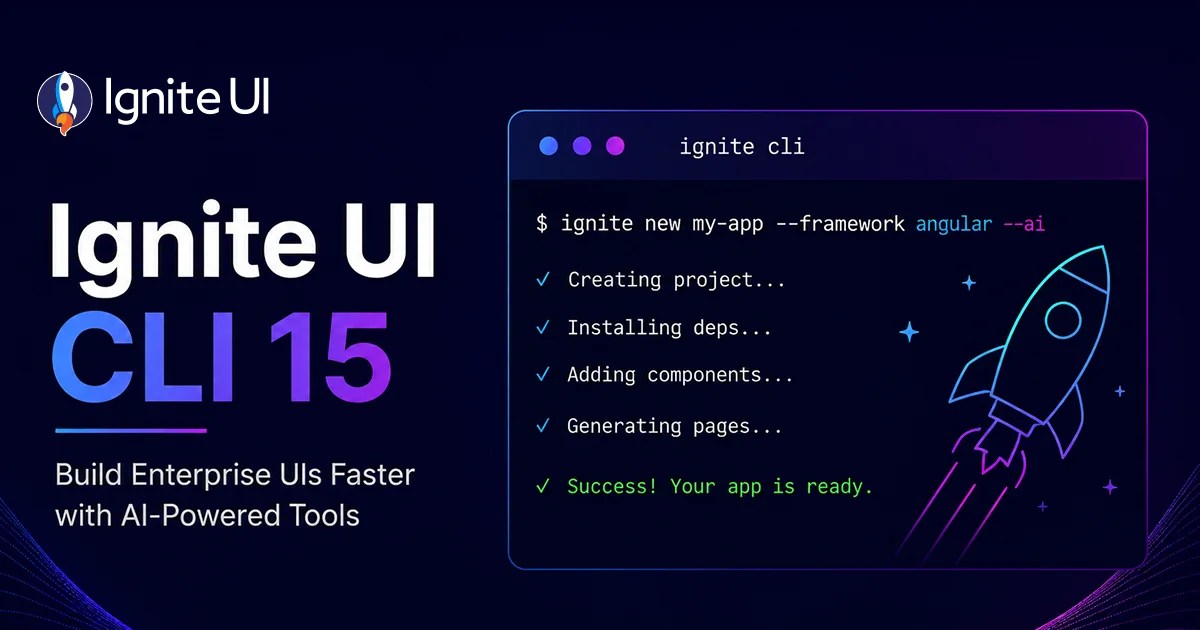
Ignite UI CLI 15 – MCP Server, ai-config & Blazor Scaffolding
Ignite UI CLI 15 (releases 15.0.0 through 15.5.0) turns the CLI into the setup layer of the Ignite UI AI-assisted development toolchain. Highlights: the Ignite UI CLI MCP server with documentation and API lookup for AI assistants across Angular, React, Web Components, and Blazor; the ai-config command for one-command Agent Skills and MCP configuration; Blazor project scaffolding via dotnet new igb-blazor; and modernized Angular templates on signals and Angular 22. CLI 15.0.0 removes the legacy igx-ts-legacy, ig-ts, and igr-es6 project types.

Free AI Model for Ignite UI Code: 32-Test Benchmark
A 32-test benchmark pitting a paid AI model (claude-sonnet-4-6) against a free one (big-pickle) on the same Ignite UI authentication build across Angular, Blazor, React, and Web Components. Both tied at 94% - the free model got there because Ignite UI MCP servers and Agent Skills supplied the exact component APIs and icon names it lacked. Web Components is the one case where the MCP server is required, not optional.

What's New in Infragistics Ultimate 26.1
Infragistics Ultimate 26.1 ships a complete AI toolchain - Agent Skills, the Ignite UI CLI MCP server, and the Theming MCP server - across Angular, React, Web Components, and Blazor. The release also introduces Grid Lite, a free MIT-licensed open-source data grid, grid scroll performance gains of up to 150% FPS at 100k rows, PDF export for every grid family, a new Intl-based i18n engine, and new components including IgbQueryBuilder.

Why AI Results Improve Over Time, Not Model Learning
AI results improve over time even when the model never changes - context accumulation across your dev stack. Run a clean-room test to measure your true baseline.

Ignite UI for Web Components 7.2 - AI Skills, MCP & More
This release advances the library's AI toolchain with updated Agent Skills shipped directly in the npm package and CLI MCP server support for Web Components documentation and scaffolding. But this is not all. Read more here.

Building Dashboards with Ease Using the Dashboard Tile
We are extremely excited to introduce a brand-new charting functionality – Dashboard Tile. Learn how to use this charting feature to build interactive Dashboards with almost no hand-coding at all.

What's New: Web Components Tile Manager
Ensuring ultimate app development flexibility and agility with the components you use is key. That's why we've added a new component to the Ignite UI for Web Components toolbox - Tile Manager. Check out its properties and see how to use it.