


Build Customizable React Apps with Any Grid
Craft modern web app experiences using the most comprehensive UI library of modular React Components and the fastest data grid optimized for speed and performance. Now including 100+ Premium controls and 50+ production-ready, open-source components to reduce friction across development teams and accelerate the delivery of your next application.
Trusted by:









Trusted by the World's Best



Ignite UI's strength in Excel is truly top-notch... Having features ready for LOB apps and high-quality technical support helped our development.

B-EN-G
To continue providing customers with cutting-edge technological features, B-EN-G set out to meet the needs of customers wishing to connect to a new range of devices that make up the Internet of Things (IOT). Read More
Enhanced Customization with Dock Manager
The Ignite UI Dock Manager component provides means to manage the layout of your application through panes, allowing your end-users to customize it further by pinning, resizing, moving and hiding panes.
The Fastest React Charts
Build expressive dashboards, apply deep analytics, and render millions of data points with 60+ real-time React charts. Your React charts shouldn't just be fast; they should be all-encompassing. With every common category chart type – bar, line, column, area, pie, and more – you can visualize your data the way you prefer. With Ignite UI's React components, we offer the same features you come across with Google Finance and Yahoo Finance charts.
Built by Developers for Developers
Modern and feature-packed React components crafted for the most demanding enterprise apps. Ensuring high-performance, customization, and scalability.
Optimized for Speed and Performance
Our React components are written for optimal file size, ensuring your app loads quickly and runs efficiently with zero friction. You also leverage the fastest React grids and charts in the smallest package possible.

Open-Source Component Library
Apart from the Premium controls, there are 50+ open-source React components too. They are free to use and designed for fast adoption across development teams, enabling rapid POCs and risk-free evaluation.

Built for Modern React Ecosystem
Ignite UI for React embraces the latest React patterns and best practices. From Hooks and functional components to TypeScript and state management libraries like Redux, our components integrate seamlessly into your workflow.

100% Transparency on GitHub
Follow our React components dev process, submit issues or ideas, review specs, and track our progress - all on GitHub. We are 100% transparent in our component development process.

Industry Leading Support
We work when you do – 24x5 support across all major regions. We do not stop with Phone, Chat and Forums, we have with technical solution consultants to help solve your toughest problems.

Documentation & Learning Resources
Empower and boost your productivity by gaining instant access to our comprehensive documentation, step-by-step guides, webinars, and how-to blog posts. Accelerate adoption and get a head-start by using and customizing our React sample apps.


React UI Components to Ignite Your Next Project
React Component Examples and Samples!
Get started on your next project with over 100+ React UI components and React component examples. We have over a dozen React samples with beautiful styling, data access and best practices for React components and React app building.

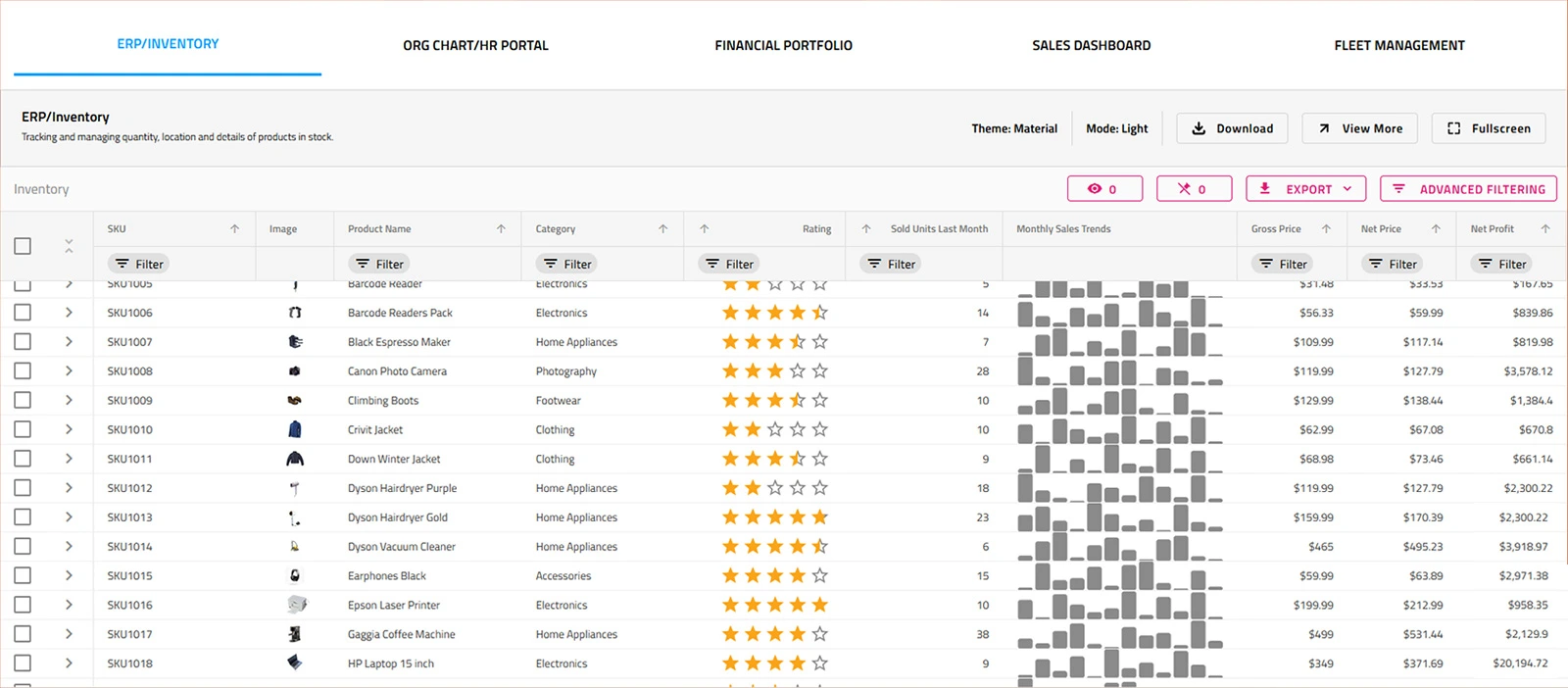
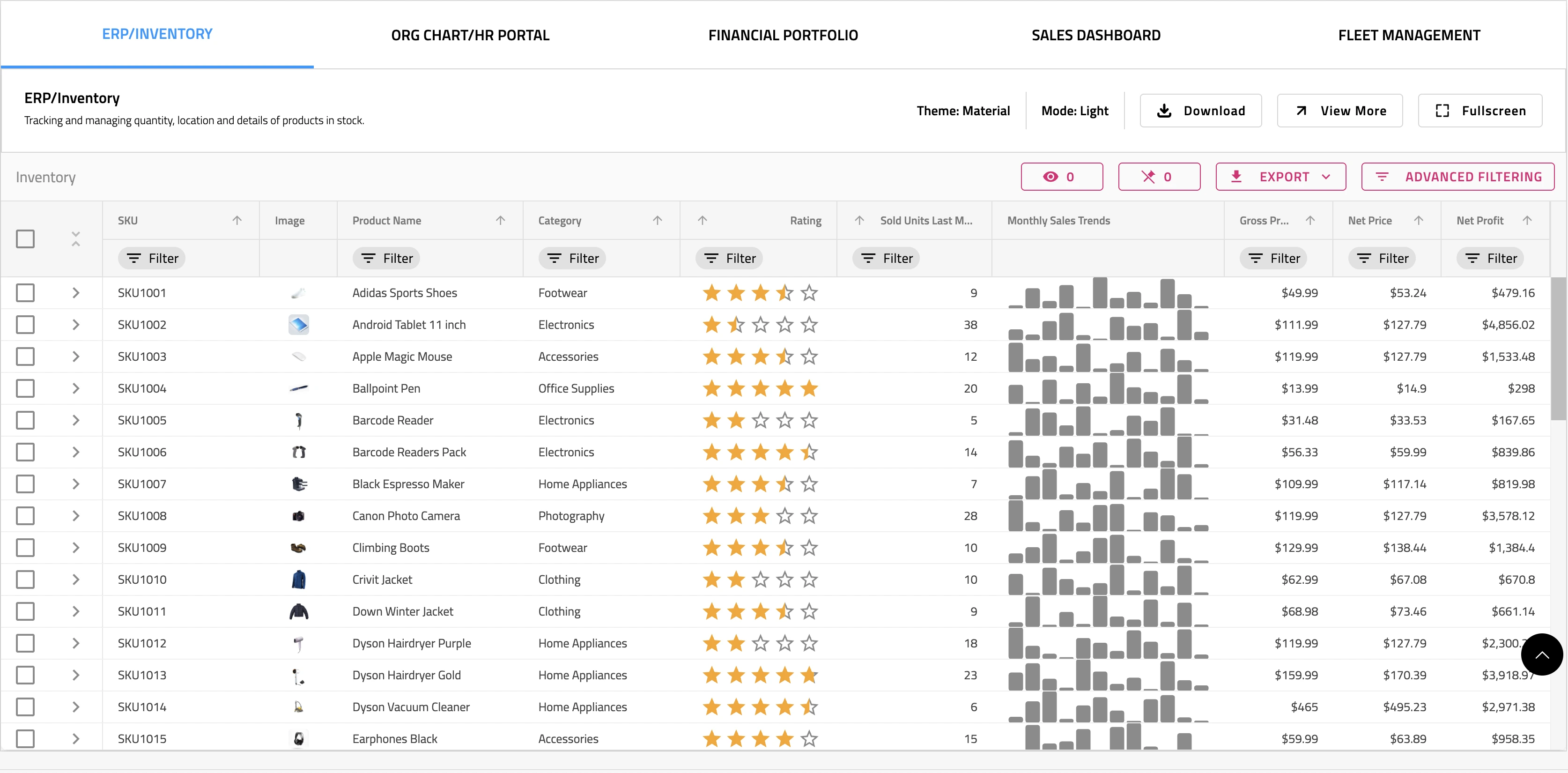
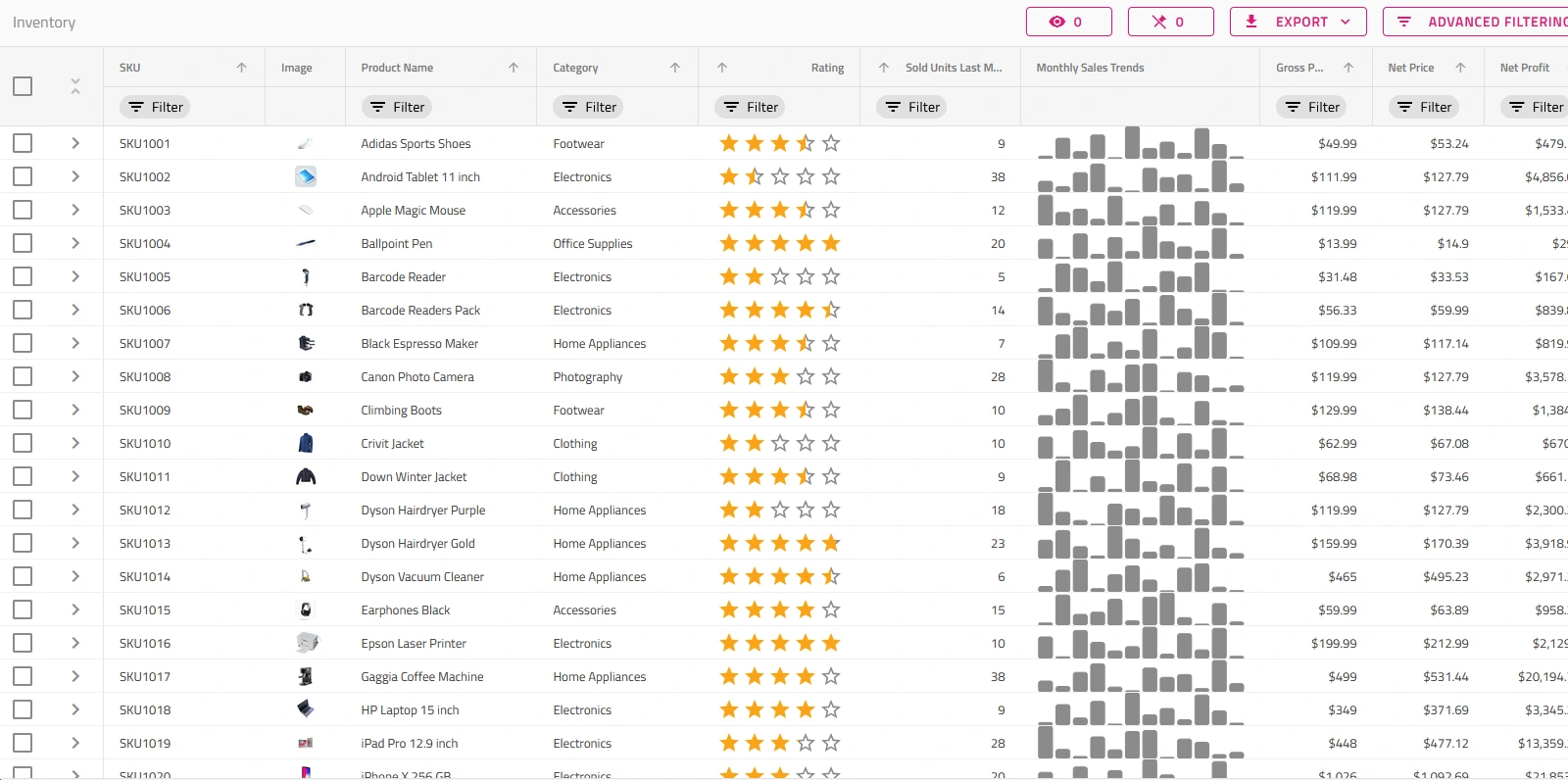
React Live Data Grid
The React Live-Data Grid app demonstrates our React Data Grid, binding thousands of financial records, grouping them by Category, Type, Contact, and live-updating every few milliseconds.
Get the app
React Stock Chart App
The React Stock Chart demonstrates how to use Financial Chart component with our FDC3 Data Adapter to handle ViewChart intent messages sent via OpenFin FDC3 service.
Get the app
CRM App
A master-detail style app for managing customer details, inspired by HubSpot. Includes responsive views for Overview dashboard and customer details with multiple tabs.
Get the appChoose the Plan That's Right for You!
Explore our pricing bundles crafted to fit your needs, providing comprehensive solutions for every project size. With user experience 'built-in' to every control and our commitment to a continuous release schedule, you're guaranteed the fastest updates across all major frameworks, ensuring your applications stay cutting-edge.
- 100s of UI controls and components for every major web framework
- Fastest way to build modern web apps
MULTI-YEAR DISCOUNT
- Everything in Ignite UI and Professional
- UI prototyping, design systems, user testing, app building and code gen
- The only complete UI/UX toolkit for building high performance, modern web, desktop and mobile applications
MULTI-YEAR DISCOUNT
- Everything in Ignite UI
- Comprehensive UI component library for web, mobile and desktop developers
MULTI-YEAR DISCOUNT
Join the Conversation
Frequently Asked Questions
Questions and Answers for Ignite UI for React
What is Ignite UI for React?
Ignite UI for React is a complete library of React components for building data-rich and responsive web apps, including 60+ data charts and graphs, data grids and tables, and user interface (UI) components.
What is Ignite UI CLI for React?
The Ignite UI CLI represents a stand-alone command-line tool that helps you build and scaffold applications for numerous frameworks. The CLI tools provide a variety of templates for your project which are pre-configured for the Ignite UI for React toolset. You can also add your own templates to the CLI to accelerate adding components to your projects.
What are React components?
A React component is a class that contains a reusable function which returns a template that includes a piece of user interface represented by HTML, JavaScript and CSS. Examples of React components include complex UI controls like Data Charts or Data Grids, or simple elements like DIV’s with HTML elements.
How to organize React components?
- Organizing components by Type - Similar elements are systematized in the same place. React components live in a components folder. Styles, in a styles folder. And so on.
- Organizing components by Similarity - This type of organizing React components ensures that everything a component needs remains as close to the component as possible.
- Organizing components by Functional Area – Placing components by app function, like “Customer” would have all related Customer components for Customer screens/functionality.
How to test React components?
The way in which testing React components is possible to be done falls into two general categories:
- Rendering component trees – where a hierarchical tree of React components describes the user interface and encapsulates every aspect of the application that a user sees and interacts with in their browser.
- Running a complete app – this happens in a realistic browser environment. This process is referred to as “end-to-end” tests.
What is the difference between React functional components and class components?
- Functional components in React are simply JavaScript functions. There is no render method used here. Functional components work by accepting properties (props) as an argument and then return a React element.
- Class Components represent simple classes, consisting of functions which add functionality to your app. It requires render() method to be implanted here.
What makes Ignite UI for React different from other UI toolkits?
Ignite UI for React is the most complete library of enterprise-grade, React UI components available. Professionally designed and developed, Ignite UI for React provides you with everything you need to build modern, progressive web apps. All backed by Infragistics 30+ years of industry leadership and our award-winning live support.
How does the pricing and licensing for Ignite UI for React work?
Our React components are included as a part of our Ignite UI bundle. A single developer license starts at $1,355 USD for a one-year subscription, including one year of standard support and updates. We also offer discounts for multi-year licenses. Please refer to our Pricing page for more information on pricing.
How do I get started with Ignite UI for React?
The best place to begin is with our Getting Started Documentation.
Connect with Infragistics
Follow Us for the Latest News and Updates