

Ignite UI for jQuery Interactions
Ignite UI Dialog Window
Whether you’re building informative dialogs or data manipulation windows the, Ignite UI Dialog Window component can help you manage the information shown to your users at any given time in your application.
Ignite UI File Upload
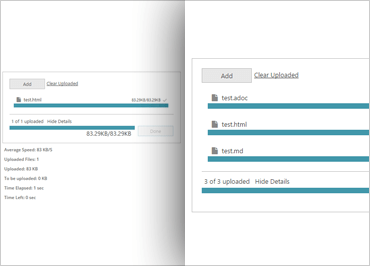
Uploading a file from your web application sounds simple, but creating the client side functionality to enable this by hand is mundane and can be a challenge.
Ignite UI Popover
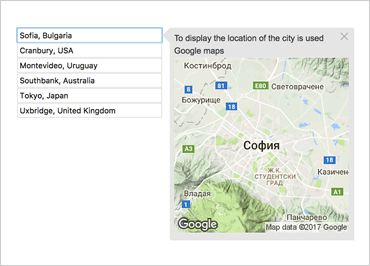
When creating an application, providing users with extended data in an unobtrusive way is important. The Ignite UI Popover allows you to have a balance of a user interface that is informative, yet clean.
Ignite UI Scrollbar
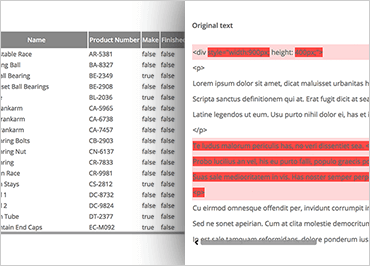
There are times when you will have a region of your page that you would like to confine to a specific size on your page. But what happens where you have more information for that region than will fit?
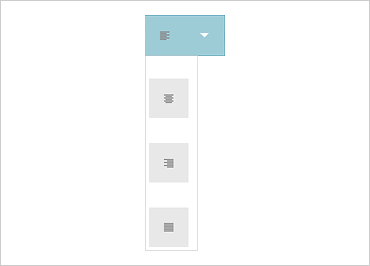
Ignite UI Split Button
One way to build an intuitive UI is to allow a single icon to represent an array of actions. Using the Ignite UI Split Button you can create attractive dropdown assisted buttons that provide a number of different options available.

Ignite UI Video Player
Video is a great way to present content to your users. But it’s not always possible to host your video on a third-party site, and the native HTML control is missing some helpful features.