

Ignite UI for jQuery Data Entry and Display
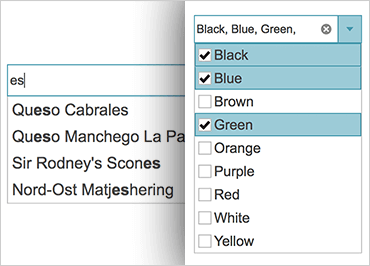
Ignite UI Combo Box
Combo boxes are a very popular HTML control because they are so versatile. Ignite UI for JavaScript expands on this versatility with its Combo Box component.
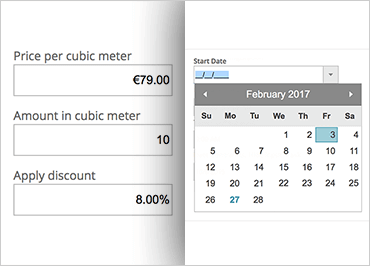
Ignite UI Editors
Data validation is a very important step in all applications. Ensuring that you’re receiving the expected type of data is a key aspect of validation, and performing this on the client-side is expected in modern web applications.
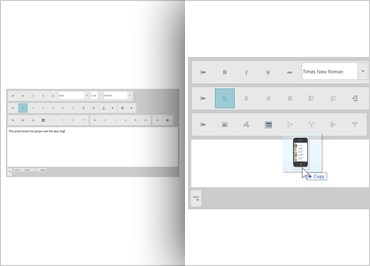
Ignite UI HTML Editor
Users are getting more sophisticated, with many knowing some basic HTML. With the Ignite UI for JavaScript HTML Editor, you can give your users the ability to use this powerful markup language to capture more than just raw text in a way…
Ignite UI Notifier
Ignite UI for JavaScript’s Notification component is a great way to unobtrusively provide users with information about your application.

Ignite UI Rating
With high precision options and an array of ways to style everything from rating options to the component itself, the Ignite UI for JavaScript Rating control makes it easy to collect rating statistics.
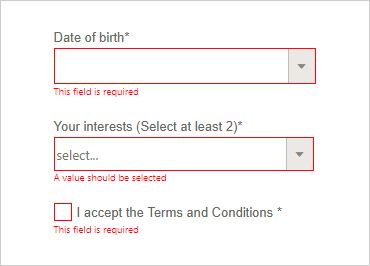
Ignite UI Validator
The Ignite UI for JavaScript Validator control offers flexible input validation options for a variety of page elements, such as Ignite UI for JavaScript Editors, Combo, and Rating components.