

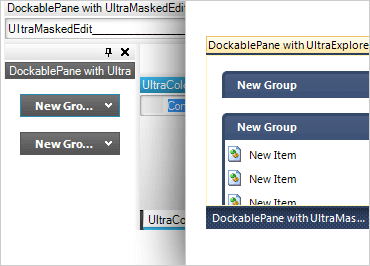
Windows Forms Dock Manager
Maximize screen real estate with content panes that can be pinned, docked, grouped, and moved about as in Microsoft® Visual Studio®.
Styling and Behavior
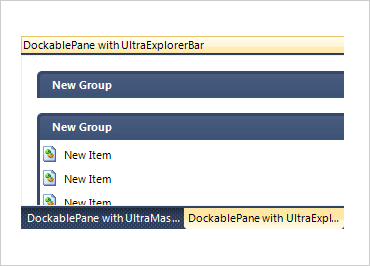
A single property, WindowStyle affects the default appearance of the pane windows, including the caption and tab styles. WindowSyle uses these features to make the pane windows resemble Visual Studio 2010 (including details such as VS 2010-style on Windows XP or Windows 7 operating systems). Adjust at the pane- and group- level, and customize the LayoutStyle property to specify how docking panes should manage the client area.
Dockable & Floating Windows
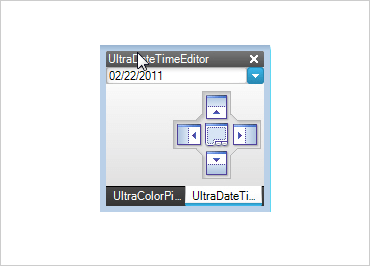
Controls can be docked to any side of the host container or displayed in an owned floating window.
AutoHide
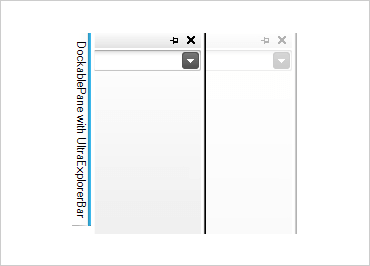
Docked controls can be unpinned to conserve screen real estate. Unpinned controls are represented by a tab in an area along the outside of the container. The control is displayed in a separate window that slides out when the tab is selected.
Toggle State
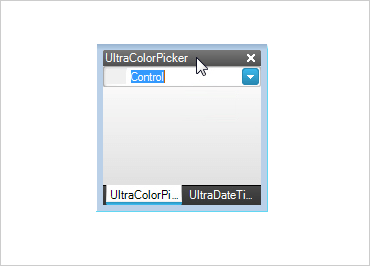
Double clicking on a pane caption, tab item, or sliding group header will toggle the docked state of the pane(s).
Multiple Group Styles
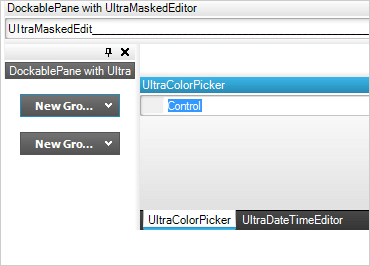
Docked controls can be grouped together in any combination when docked or floating with support for 4 group styles: horizontally split, vertically split, tabbed groups, and sliding groups.
Grouping and Moving Panes
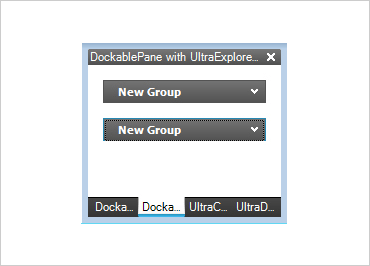
Once docked controls have been created, the panes may be dragged around by pressing down on the caption, tab item, or sliding group header of the pane.
WYSIWYG Design-Time Functionality
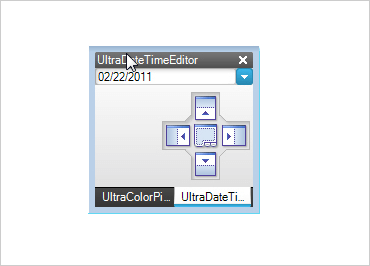
Easily create and position docked controls at design-time. Access to the settings for individual docked controls is available in Visual Studio's property grid when the control is selected.
Persist Layouts
Save and load docked window layouts at design time and run time.
Hierarchical Control Settings
Docked control settings can be set for an individual pane, children of a group, or for all panes.