

WPF Reporting
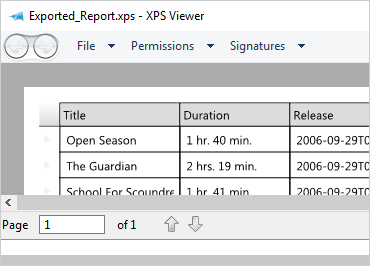
WPF Reporting engine streamlines printing xamDataGrid and exporting to a Microsoft XPS file format. Print and export the visual elements on your screen easily with world-class printing support.
Report Object Model
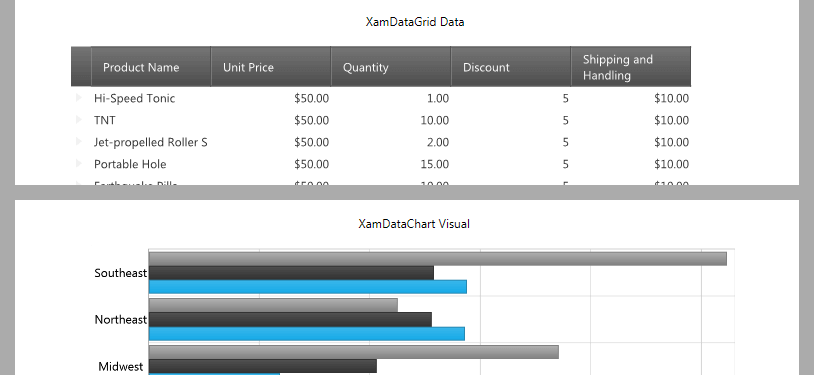
Create sophisticated multi-page reports with section-based Report Object Model.
Print Preview
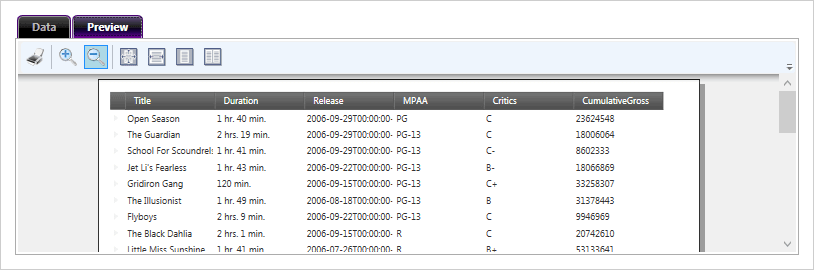
Use the xamReportPreview™ control to display previews of reports with zoom and layout.
Pagination
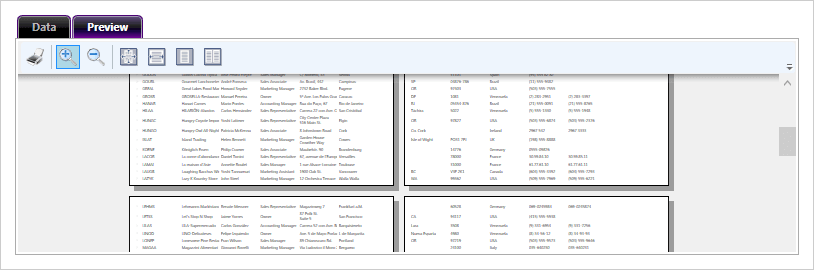
Built-in support for pagination with automatic pagination of xamDataGrid, xamDataPresenter and xamDataCarousel controls.
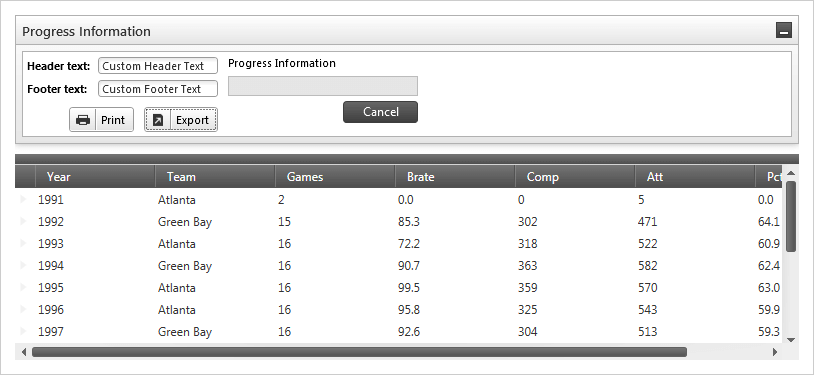
Layout Elements
Use a variety of template headers, footers, page numbers, margin, and alignment to lay out your reports.
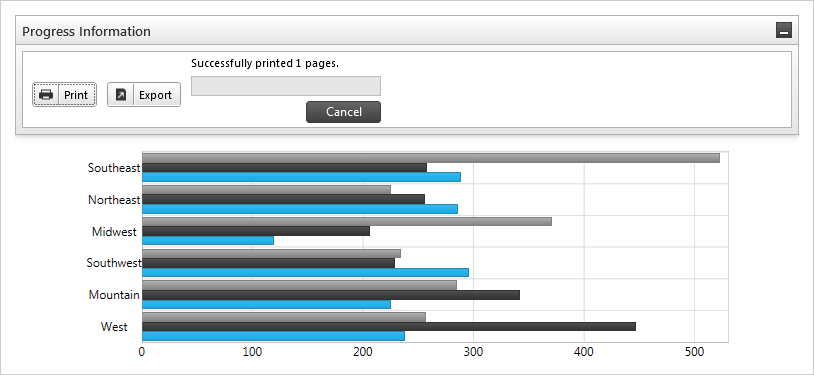
Print Progress
Show users a steady progress bar that tracks the fulfillment of their print requests.
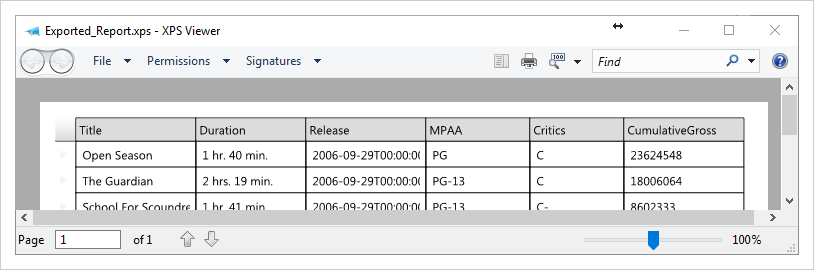
XPS Export
Publish information to the XML Paper Specification (XPS) file format (compatible with Office 2007/2010 and other applications) with one call to an export method.