


WPF Carousel Panel
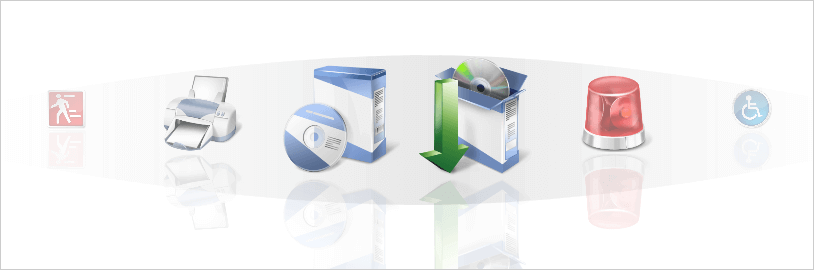
Anything you put into this panel will layout and navigate as on a revolving carousel along a prescribed path, which creates uniquely interactive presentations and polished effects like reflection and transparency.

Carousel Behavior
Supports a linear sequence of any UIElement that follows a designated path or continuous circuit.

Navigation Model
Navigate individual objects or skip to the beginning or end of all objects in a given data series.

iTunes-like Effects
Visual effects modify transparency, scale, and skew of objects (as they move into and out of focus) allow the creation of experiences similar to Apple's CoverFlow.
Item Reflections
Optionally paints a partial reflection of an object beneath it to give the feel of a glossy or reflective surface.