

WPF Menus
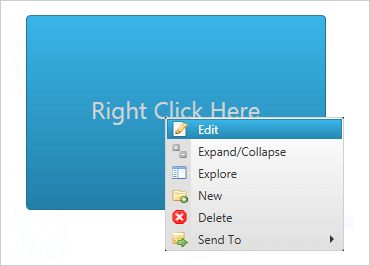
WPF Context Menu
Pop up context-sensitive, cascading menus from anywhere within your WPF line of business application, with complete control over placement, positioning, and appearance.
WPF Menu
Create multi-level WPF menus that nest, popup, and dropdown with smooth, graceful animation. Arrange your hierarchy of menu commands horizontally or vertically, and give them pictures, checkboxes, and more.
WPF Outlook Bar
Design a navigation bar similar in tone to Microsoft® Outlook®, with built-in docking, fly-out, collapsibility, and group overflow menu features.
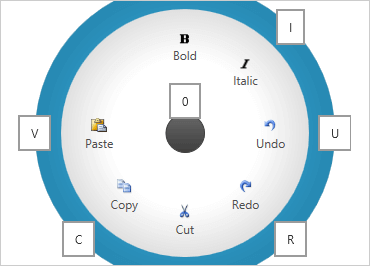
WPF Radial Menu
The xamRadialMenu, like the Microsoft® OneNote® radial menu, provides a circular menu that orients the commands around the user, rather than requiring navigation around a nested hierarchy of drop downs.
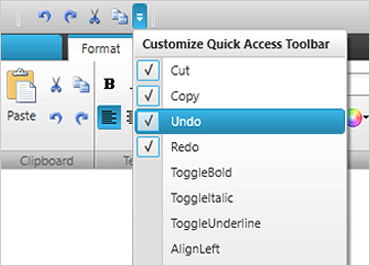
WPF Ribbon
The fully-featured Ribbon control is optimal for organizing and enabling a configurable experience for users of your WPF application. Inspired by Windows themes, Ribbon represents visual information intuitively and with ease.
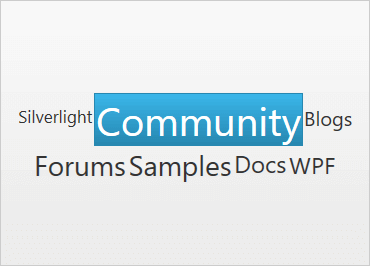
WPF Tag Cloud
Direct users’ attention to the key words or phrases (“tags”) by weighting on frequency of occurrence, importance, or your own scoring algorithm. Those with the highest scores are displayed as bigger than the rest.