

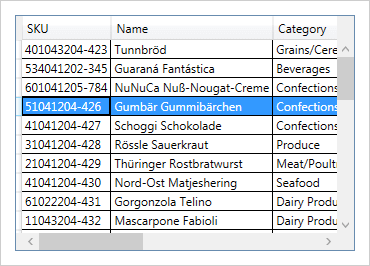
WPF Excel Framework
Import and export Microsoft Excel workbooks in high-fidelity with a compiled assembly that reads and writes in XLS/XLSX file formats. Excel does not need to be installed alongside your application.
Excel with No Excel
Bring the portability of workbook files compatible with Excel 2010 file formats (.XLS and .XLSX) that run completely independently of Excel.
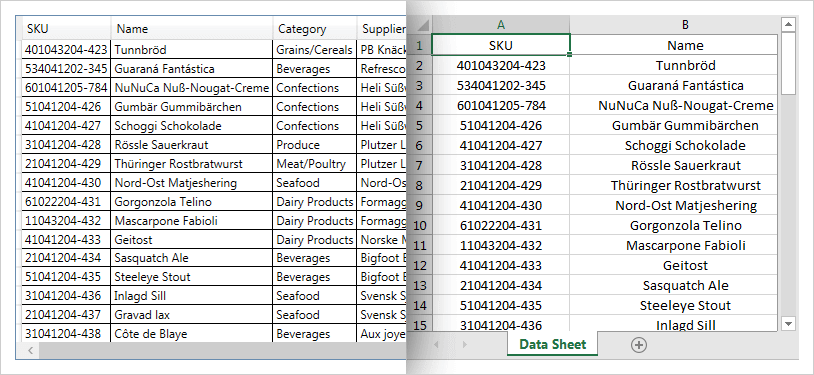
100% Managed, 100% Client Side
This is neither a wrapper around native OLE file system libraries, nor a callback to server-side code.
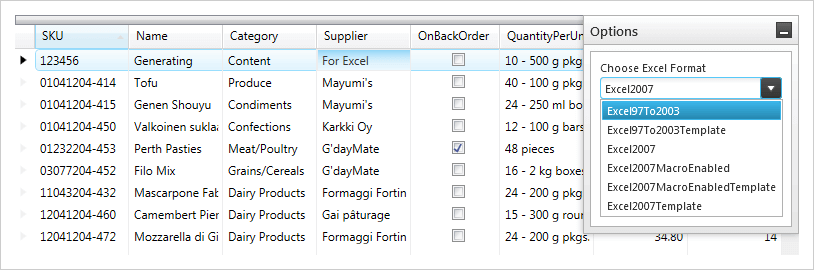
Read or Write
Use the compiled assembly to read in existing Excel files from the user’s local system, or generate new Excel files and save them in the widely compatible .XLS and .XLSX formats.
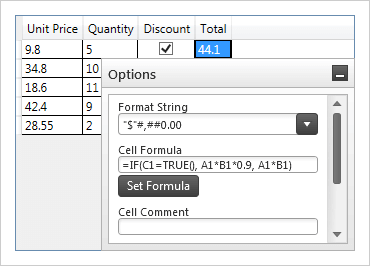
Workbook Object Model
Represents the gamut of Excel objects available including workbooks, worksheets, cells, formulas, and more.
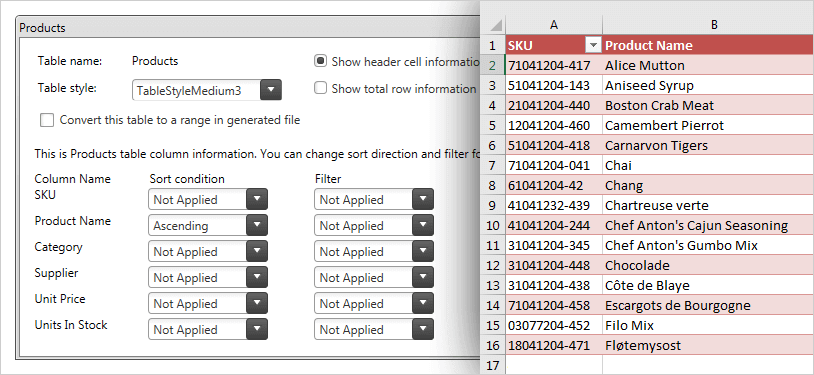
Named Tables
Represents the gamut of Excel objects available including workbooks, worksheets, cells, formulas, and more.
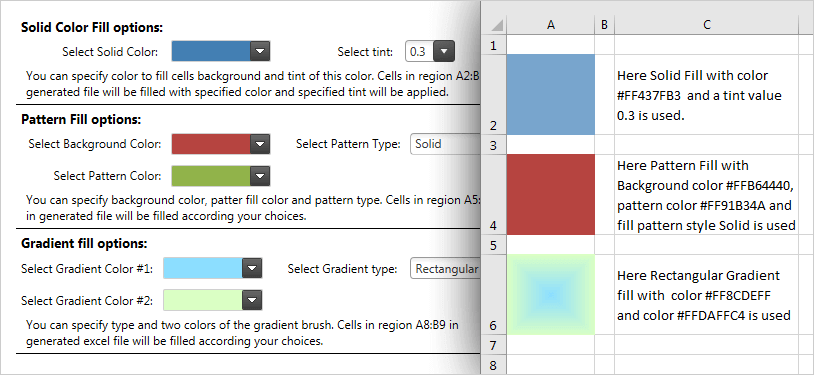
New Color Model
Apply your own palette-to-cell properties with solid colors, gradients, and patterns.
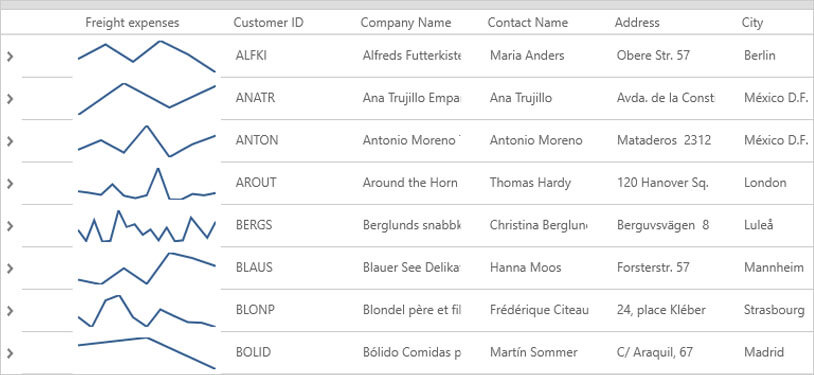
Sparklines
A sparkline is a small chart in a worksheet cell that provides a visual representation of data. With the sparkline chart, you can show trends in a series of values (ex. seasonal increases or decreases), display economic cycles, and/or highlight maximum and minimum values. The Infragistics Excel Library provides an intuitive API for styling your sparkline to meet your visualization needs.
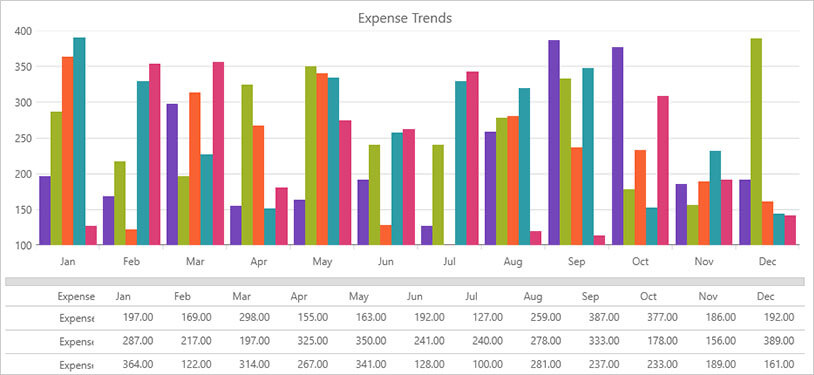
Charting
Create dashboard reports that visualize data in a clear and digestible manner with support for 70 chart types. The Excel Charting API provides complete control over chart rendering with the ability to include a legend, a title, axis titles, and a vast number of options for styling (gridlines, tick marks, colors and more).