

WPF Busy Indicator
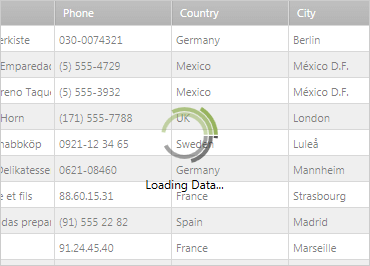
The xamBusyIndicator makes it easy to report the progress of a long running, multi-threaded, process to your end-users. You can display an animation that gives the user visual feedback on the progress of an operation, while locking out the underlying view elements with a slightly transparent overlay.
Built-in Animations
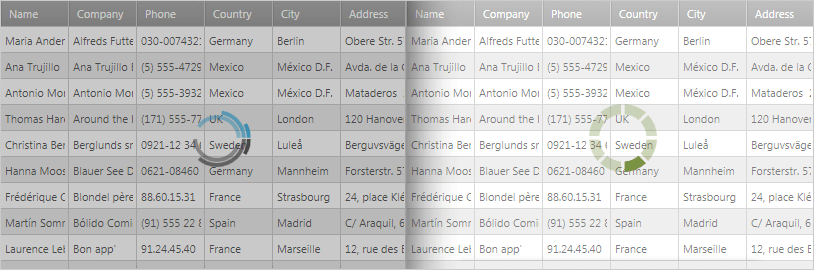
Customize your Busy Indicator with a number of pre-set animations including spinner bars, spinner balls, gears, progress bar, and more.
Display Progress
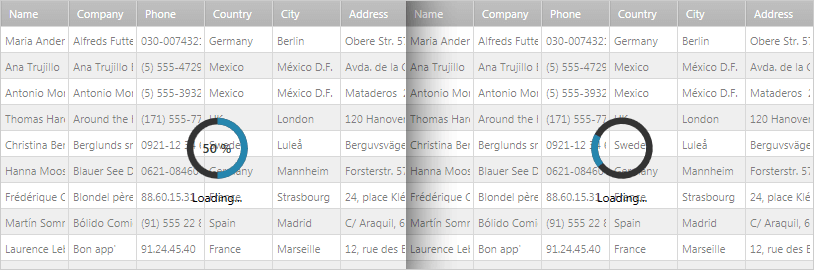
The Busy Indicator control has two modes - determinate and indeterminate. When the control is in determinate mode, the underlying activity progress is displayed.
Configurable Content
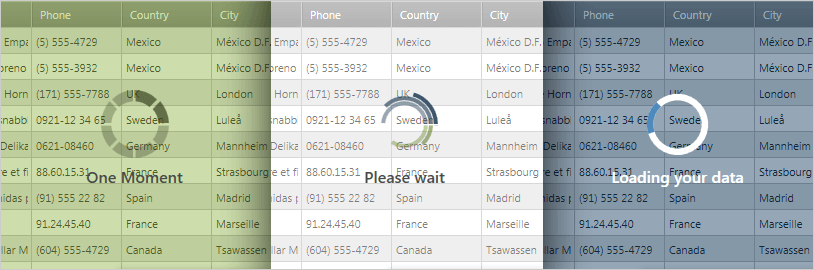
The content beneath the Busy Indicator animation is fully customizable, so you can indicate exactly what your users will see when waiting.