

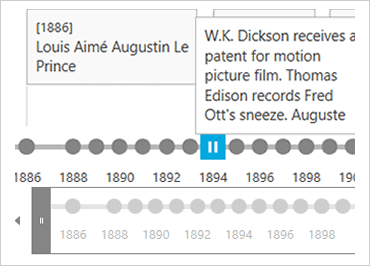
WPF Timelines
Empower users to quickly understand and visualize sequences of events in their app. Events could be the steps in a narrative for a business process or workflow, important project milestones, key frames in a video, a transaction history on an account; anything – the sky is the limit!
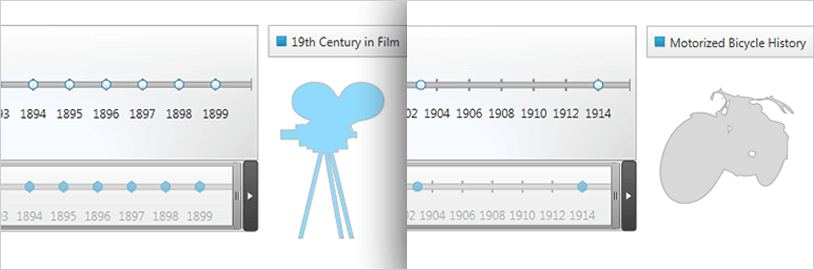
Date-based and Numeric Timelines
Display chronological and sequential data in ways that allow your end user to dynamically select timelines and compare them..
Multiple Data Scenarios
Each timeline is a series of data points which quickly convey historical events, steps in the narrative of a business process or workflow, project milestones, key frames in a video, or any other occurrences.
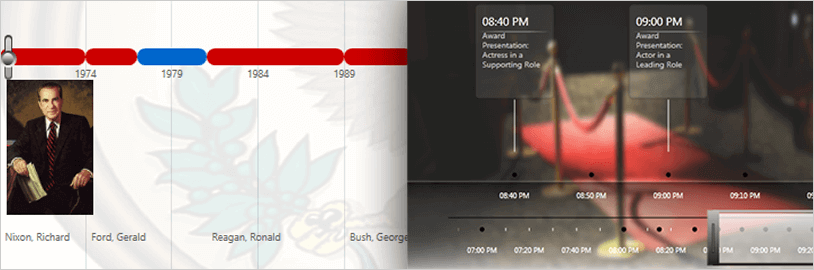
Fully Templatable
Customize the appearance of the timeline and the event details your users have selected with your own XAML templates or through design tools such as Microsoft Expression Blend.
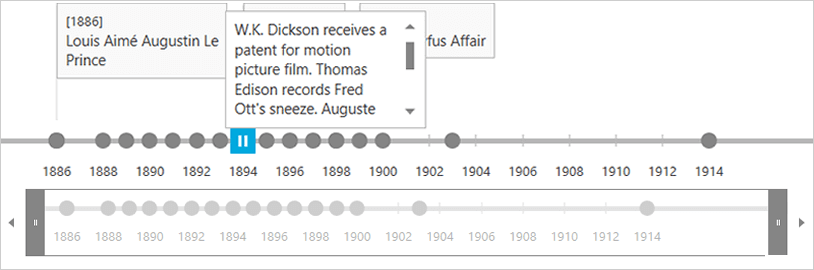
Event Titles
Design the calendar's presentation with fine-grained customizability with modular composition of calendar elements in XAML.
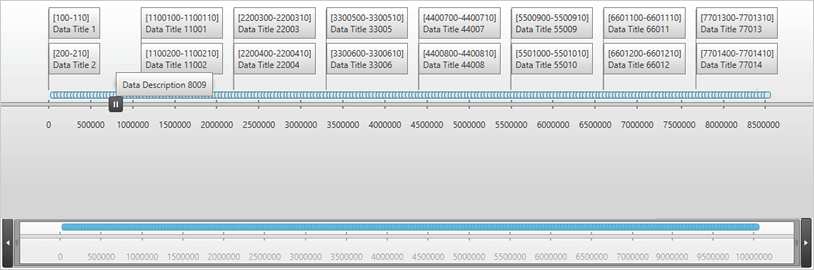
Pan and Zoom
Allows the calendar to animate and zoom in and out, visualizing dates ranging from a single day to decades.
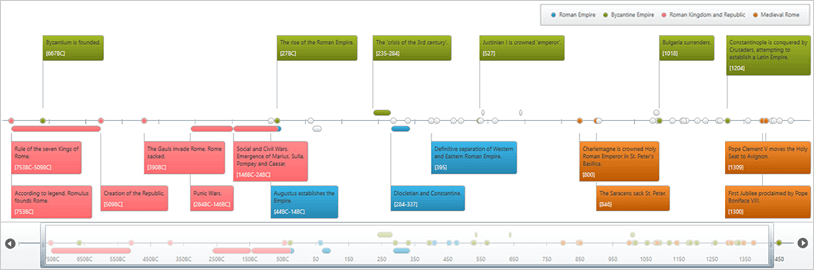
Timeline Comparison
Design the calendar's presentation with fine-grained customizability with modular composition of calendar elements in XAML.